Festival of Neggs 2025

This year, Kari, the Negg Faerie, is once again hosting the Festival of Neggs, this time taking place in Faerieland. Commencing on April 22nd at 10:00am NST, Kari has called upon Neopians to embark on a quest to discover hidden neggs scattered throughout Neopia. As in previous years, participants will be rewarded with a selection of themed items upon finding the neggs.
The festival spans 16 days, with the initial 1.5 days counting as one, continuing until April 23rd (and running through May 8th). Detailed instructions can be found in the official FAQ.

To commence the quest, users should visit the Festival of Neggs event page and engage in conversation with Kari, progressing through the dialogue to receive the first negg location hint.

Each day of the event will unveil a new clue at the bottom of the main Festival page, guiding participants to a fresh hidden negg location. Upon discovering each negg, users will be presented with a choice of three random neggs as a reward for their efforts. It’s advisable to claim the prize from Kari before engaging in any games or daily activities to prevent missing out on the reward prompt.

Here’s a breakdown of the negg locations and the corresponding discovery and claim texts for each day:

  • April 22nd/23rd: Neopian Fresh Foods
  • April 24th: Kiko Lake Treats
  • April 25th: Roo Island Souvenirs
  • April 26th: Booktastic Books
  • April 27th: Chesterdrawers’ Antiques
  • April 28th: Ugga Shinies

Each negg type offers specific prizes upon selection, as illustrated below:

  • Glitch Negg: Offers glitch-themed items.
  • Grey Negg: Presents items in shades of grey.
  • Plushie Negg: Contains plushie-related rewards.
  • Spa Negg: Provides self-care and spa-themed items.
  • Time Travel Negg: Features items reminiscent of past Festival of Neggs events.

Furthermore, this year’s Neocash component involves utilizing Dyeing Kits to dye neggs containing exclusive wearables.
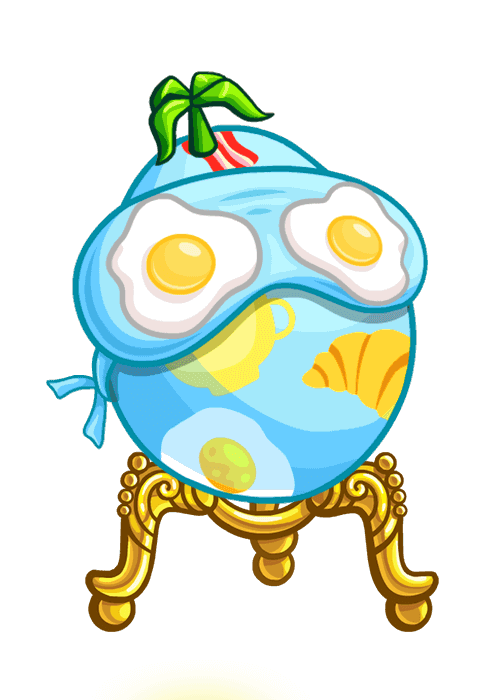
By diligently seeking out Kari’s Neggs and selecting prizes wisely, participants can anticipate a variety of rewards and a festive atmosphere throughout the event.

Last updated: 04/28/2024

Neopets UC Petpets

 Some Neopians called us unconverted or UC petpets. Other call us extinct petpets because we don’t exist unless we have been with our owners for a long time. 

A lot of the history of the early petpets is unknown. Petpets themselves showed up September 27, 2000. The first ones released were through the main petpet shop and the news from that day featured the Flishy, Fungree, and Greeble. We know that “Halloween World” (now the Haunted Woods) was introduced on October 18th, 2000. Below is the old map.


There is a news post that shows two of the extinct spooky petpets, which were obtained from the Brain Tree. Other than that, we are not sure on the exact release of the other UC spooky petpets. You do see them show up in things like this baby vampire in the Art Gallery on March 26, 2001 but you don’t see a lot of news about them. The date for the conversion of the spooky petpets is October 11th and 21st, 2002 (thanks Mina and Jeni for the dates!).


The original Maraqua was released on October 6th, 2000 with the introduction of the Koi. Below is the old maraqua map.


The aquatic petpets were thought to have been released shortly after. On August 18th, 2001, a mysterious pirate destroyed Maraqua and the aquatic petpets were moved to the rock pool on Mystery Island. You can read an old eyewitness account here. The petpets were then revamped (or converted if you will) on August 29th, 2001.


There tend to be more of these floating around due to the fact that they had almost 2 years on the site before being “revamped.” No one is sure who made the decision. Even if we miss these cuties, without the conversion, we wouldn’t have some of the other spooky petpets like the Meowclops. *MOST of the spooky petpets listed here are now r180, and all are listed with their current rarity*


Baby Vampire (changed to Snorlkin)
1 – 2
Description – It may look cute, but it has a nasty bite. The baby vampire hates light and is usually found hanging around in caves.
Rarity – 180


Cyclopian (changed to Meowclops)
1 – 2
Description – This baby cyclops has lost its cyclops parents and needs somebody else to take care of it. Are you up to the job?
Rarity – 180


Fat Cat (changed to Baraga)
1 – 2 – 3 – 4 – 5 – 6
Description – Bwaha hahahah. This fat cat will spend all your Neopets money!
Rarity – 180


Grackle Trap (changed to Gremble)
1 – 2
Description – ?
Rarity – 180


Red Tail (changed to Candy Vampire)
1 – 2 – 3
Description – Your pet will love a little devil to look after.
Rarity – 99


Rotten Egg (changed to Furwitch)
1 – 2
Description – An evil spirit that lives inside eggs… beware of the breakfast that bites back!
Rarity – 180


Scary Jack (changed to Snomorg)
1 – 2
Description – The last pop up box he was in broke, and he was set free…to scare little pets everywhere!
Rarity – 180


Skeleton Pirate (changed to Goulblee)
1 – 2
Description – These baby skeleton pirates are usually off hunting for treasure!
Rarity – 180


Sugar Rush (changed to Pwerko)
1 – 2
Description – Too many artificial colours and preservatives made this drink turn bad!
Rarity – 180


Isnewee (changed to Mazzew)
1
*not Spooky Petpet but doesn’t fit with Aquatic.
These were changed May 20th, 2003 because of their similarity with the Hornsby
Description – What could be more precious than a baby Isnewee? Nothing at all. They love green neggs and Cheese.
Rarity – 98


Something you will notice right away is the fact that all of these UC petpets are in a fish bowl. That was Neopets original idea with the Maraquan petpets…that if you remove them from their native home, you have to take a bit of Maraqua with you! Despite the fact that they were only available for about a year, there are still some that exist.
*rarity is based on the new petpet’s rarity*


Alfy (changed to Pfish)
1 – 2
Description – Alfy is a fun little guy that will provide hours of entertainment for your pet with his ability to stick to any smooth surface.
Rarity – 81


Auntie (changed to Leeble)
1 – 2
Description – Your pets Auntie pet has the unique ability to recieve radio transmissions…even underwater!
Rarity – 82


Blumpy (changed to Tanizard)
1
Description – When not playing fetch with your pet, Blumpy will stay in his bowl and chase his tail until he becomes dizzy.
Rarity – 83


Boris (changed to Pepito)
1 – 2
Description – Boris is a mysterious fish-like creature with spots that turn bright red when he is happy.
Rarity – 84


Cleo (changed to Baby Blu)
1 – 2
Description – Cleo is part octopus, part fashion designer with a groovy sense of what is hot, and what is not..
Rarity – 85


Clippers (changed to Frillabon)
1
Description – Your pet will never have to pay for another haircut with a Clipper pet.
Rarity – 86


Conehead (changed to Cubett)
1 – 2
Description – Conehead is a small crab-like crustacean that lives in the abandoned shells of Scruffys.
Rarity – 87


Flapjack (changed to Bubblisaur)
1 – 2
Description – Flapjack loves to cook, freeing your pet from the trouble of getting up early to cook you breakfast.
Rarity – 88


Gomer (changed to Filamen)
This petpet MAY be extinct. If you find one, mail me!
Description – The Gomer is the result of an accident in the chemical processing plant which enables him to cure all forms of underwater diseases with a kiss.
Rarity – 89


Gumdrop (changed to Peo)
1 – 2
Description – Gumdrop gets its name from that fact that the first one was discovered in the Koi Gumdrop factory.
Rarity – 90


Legs (changed to Catamara)
1 – 2 – 3

*Thank you Ickle for confirming this conversion.
Description – Your pet will enjoy Legs ability to juggle 28 **** at once while dancing an irish jig. (the **** is a now disallowed word)
Rarity – 70


Phishy (changed to Phnard)
1 – 2
Description – Phishy has a reputation for having a sweet tooth the size of Neopia, so keep your pet well stocked with candy if it owns one of these.
Rarity – 92


Pinky (changed to Bowla)
1 – 2
Description – Pinky is a cross between an octopus and a squid.
Rarity – 72


Pokey (changed to Cheerlub)
1 – 2
Description – Your pet will enjoy being pulled through the water by Pokey.
Rarity – 93


Prissy (changed to Primella)
1 – 2
Description – The ornate object on the head of Prissy is used as decorations during the annual spring festival.
Rarity – 94


Ruby (changed to Eelika)
1
Description – Ruby is gruff, and full of attitude. Be prepared for trouble if your pet has one of these.
Rarity – 95


Scruffy (changed to Slugawoo)
1 – 2
Description – Put more than one Scruffy in the same tank and you will understand how it got its name. These pets are very territorial.
Rarity – 96


Seamonkeys (changed to Bleamix)
1 – 2
Description – Seamonkeys come in troupes, which will dance for your pet if they hear music.
Rarity – 97


Sluggo (changed to Ghostkerfish)
1 – 2
Description – Sluggo has wisdom galore which it loves to pass along to unsuspecting pets.
Rarity – 98


Snappy (changed to Spirkle)
1 – 2
Description – Snappy is the worlds smallest shark with a voracious appetite for chocolate.
Rarity – 99


Speck (changed to Crabula)
1 – 2
Description – Speck is an enigma. Researchers have spent years trying to figure it out, but haven’t come up with an answer.
Rarity – 91


Swirly (changed to Sproing)
1 – 2
Description – Swirly was at the bottom of the food chain before NeoPets starting adopting them as petpets.
Rarity – 71


There are are 8 petpets that were redrawn (and in 1 case renamed) at the same time of the aquatic conversions but they are essentially the same petpet. These, like the converted Spooky Petpets were mostly retired and therefore are r180. They are listed below.


Bubbles


Crabby


Flippy


Goldy


Gulper
1 – 2
This one looked so different that there ARE those that exist with the old art.


Prince (renamed to Pooka)


Sharky


Smiley


I know that both owners and enthusiasts have many questions about these petpets so I am going to try and answer them.

Q. I own a petpet on your list and I am inactive. Can I sell this to someone to keep them in circulation?
A. The short answer is NO. You cannot remove the petpet to sell since it will convert to the newer petpets so PLEASE do not remove the petpet. If you are afraid that your account will be deleted due to inactivity, you can always put your pet up for adoption. There are many great owners that will take care of your pet/petpet.

Q. I decided that the name MrPoOfIkInS is not the best name for my Baby Vampire. Will my petpet convert if I change the name?
A. No. I renamed my Scary Jack with no problems.

Q. My Redtail wants a squibbit but I am afraid to attach it. Are petpetpets allowed with these petpets?
A. Petpetpets are safe to attach to your UC petpets. I have a Rainblug on mine. And if your UC petpet is attached to an UC pet, then it is now even better since UC pets are safe from color changing random events. Now you can attach with no worries! NOTE: Recently (2016 and since) I have tried to attach a P3 to my baby vampire and currently it is either being stubborn or there is a glitch with them. Let me know if you have better luck!

Q. Can these petpets win the PPL (Petpet Protection League) trophy?
A. TNT has said that they can, as their ID number remained the same when the conversion happened. See the editorial here. So if they are old enough then they are eligible!

Q. My editorial question! What if I want to change the Petpetpet? Am I just out of luck, since there is no way I am losing the petpet just to change the Petpetpet, or could a new system be created whereby you’d be able to take a Petpetpet off without disturbing / removing the Petpet?
A. Unfortunately, right now there is no way to remove a Petpetpet without removing the Petpet, so a replaced Petpet is pretty much stuck with its Petpetpet. We will have a chat to see if we want to reconsider how Petpetpets are removed, but as of right now we can’t guarantee anything.
Last updated: 12/19/2025

Tales of Dacardia

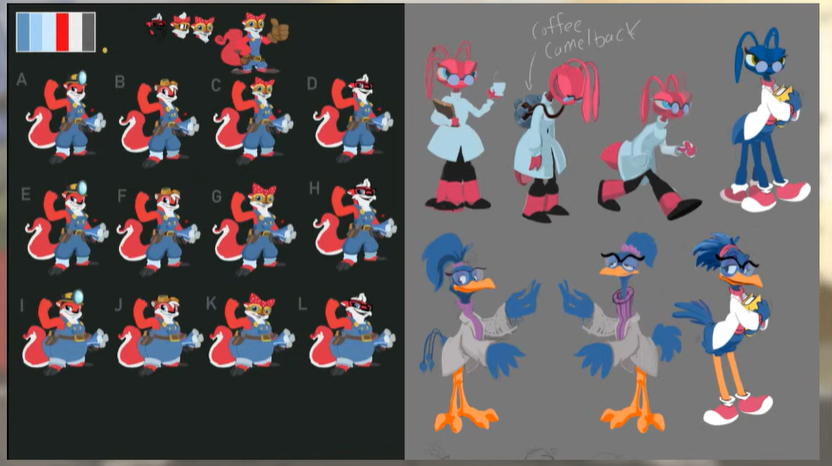
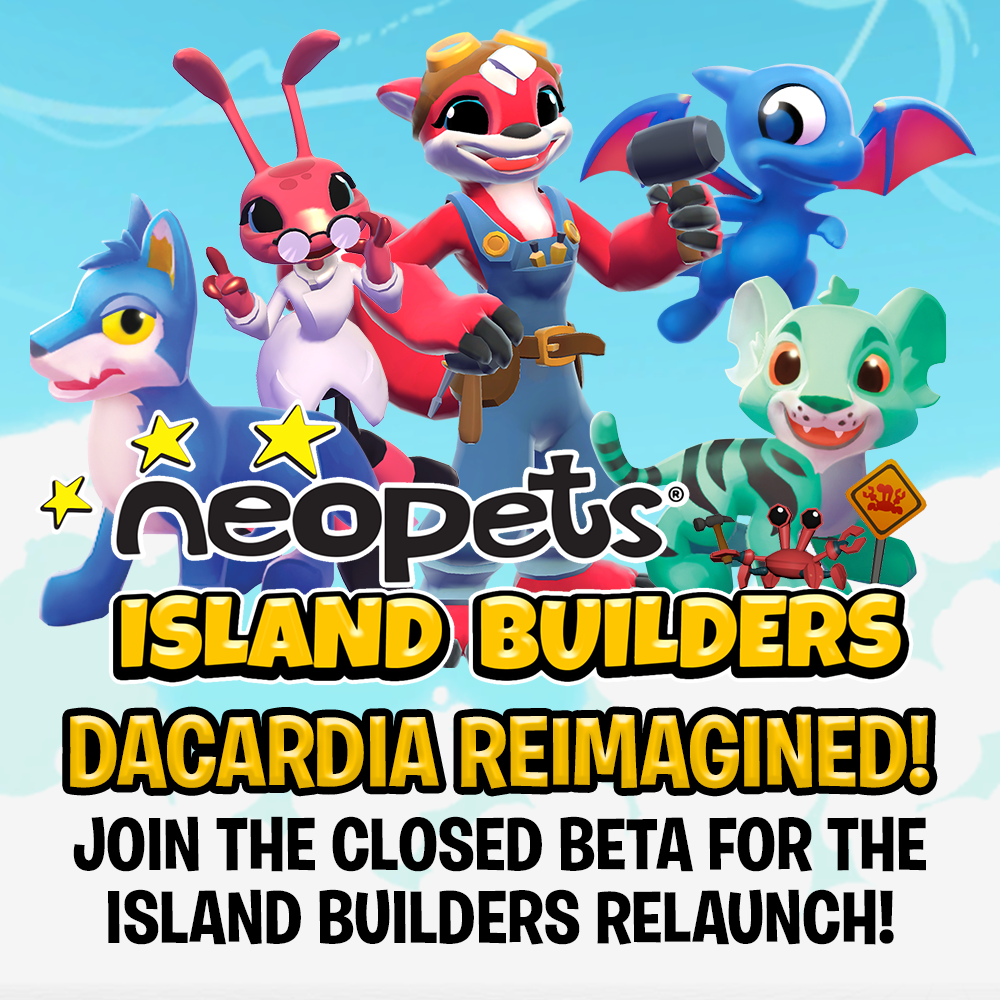
Tales of Dacardia, previously known as Neopets: Island Builders, is a captivating mobile game available on iOS and Android devices. Set in the aftermath of a devastating storm, players are tasked with rebuilding the island nation of Dacardia. This guide aims to provide you with comprehensive insights and strategies to thrive in the world of Dacardia.

Dacardia Overview

Tales of Dacardia is a 3D construction simulation game reminiscent of titles like SimCity. As a newly appointed Town Planner, your primary objective is to oversee the restoration efforts on Dacardia. By constructing buildings, gathering resources, and completing quests for island inhabitants, players can gradually unlock new areas of the island for exploration.

As you progress, you’ll recruit Neopet NPCs to aid in harvesting resources, furthering your restoration efforts.

Support

Despite its wide release, Tales of Dacardia may encounter bugs and glitches. For assistance, visit the Official Island Builders Support page or submit tickets for game issues directly through the app.

Gathering

Gathering resources is central to gameplay in Tales of Dacardia. Utilize Gathering Buildings to send Neopets to generate items essential for quests and construction.

Each Gathering Building specializes in specific items and requires Neopets with matching elemental affinities and attributes for optimal efficiency.

Attributes like Agility, Efficiency, Intuition, Luck, Strength, and Dexterity influence gathering outcomes, affecting gathering time and rare item drop rates.

Available Buildings

Numerous buildings are available, each offering unique resources and challenges. Here’s a breakdown of some key buildings:

  • Fast-Grass Farm
  • Crokabek Field
  • Enigma Wharf
  • Mysterious Mine
  • Secret Beach
  • Shipwreck
  • Cenote
  • Crash Site
  • Keystone Park
  • Geyser Valley
  • Cliffside
  • Cantata Canyon
  • And more.

Account Linking

Link your Island Builders game with your Neopets.com account to unlock special bonuses and ensure seamless gameplay across devices. Be cautious, as linking is irreversible, and linked accounts cannot be reset.

Areas

Unlock new areas of the island as you level up, each offering distinct challenges and rewards. Choose your path wisely, considering the order in which areas are unlocked to optimize gameplay progression.

Areas include:

  • Dacardian Peninsula
  • Mystic Jungle
  • Crystal Plateau

Happiness

Happiness forms the basis of a secondary login bonus in Island Builders. Each day, the first time you open the app you will be shown a screen with Skippi Snipps where you gradually fill a meter which awards prizes at set thresholds. You have 15 days to fill the meter completely before it resets, and you will fill more of it per day based on the Happiness rating of your town.

Each individual citizen of Dacardia (aside from quest-based ones such as Lania) has their own individual Happiness meter that begins at full when they are first unlocked. It will steadily drain by sending this citizen on jobs to gather items in the game, with three main colors to denote how happy they are. At full, the bar will be yellow, a mediocre rating will be green, and a blue rating means the citizen is unhappy.

An average of the Happiness rating for all your citizens is also used to determine aspects of your town’s overall Happiness rating, which is shown in a bar at the top left of the screen.

Rather than being a directly related number, the town’s bar is actually a rough average of all your town’s citizens. If the majority of your citizens are in either yellow or green ratings, the overall town Happiness will slowly increase to reflect that. But if they drop into blue, it will slowly decrease to zero.

Happiness also currently affects the gathering ability of your pets. Any pet will need significant Happiness gains from Amenities and Omelettes in order to gather items. At the present time, Style Happiness from painting and hats does not contribute towards the ability to gather. This change to the game is still being developed and does not work consistently at this time.

Increasing Happiness

You can help prevent Neopets from losing Happiness in the first place by only sending them to gather items at Gathering Buildings that have the same element of them. A Neopet will not lose any Happiness if their element matches. Unfortunately, especially in the early game, it is unlikely you’ll have a full range of elemental Neopets available. So you will have to accept some levels of Happiness loss. Neopets will also lose small amounts of Happiness naturally over time.

Although it is currently shown in-game as a single meter, there are, in effect, 3 combined Happiness meters for each of the three main ways of increasing Happiness. Using each method will, as a result, fill only a maximum of a third of the pet’s overall Happiness meter.

If your pets become unhappy, an icon will appear by them to indicate which area of happiness needs to be raised:

  • Pet is Hungry
  • Pet is Bored
  • Pet is Vain

Omelettes

Thankfully, there are means of increasing Happiness too. The Giant Omelette Slab can be used to create Omelettes. These can be fed to Neopets to increase their Happiness by tapping on them and then tapping the wrapped candy icon.

You can then drag the Omelette you want to use over the Neopet to feed them. Each Neopet also has a fullness meter below them on this screen, which increases as you feed them Omelettes. Once it reaches 100%, they become Bloated, and cannot be fed any more until their fullness comes back down again.

Wearables

You can also paint Neopets using brushes made at Skippi’s Paint Shop to increase their Happiness and put wearable Hats on them.

Amenities

Failing all that, there’s also a type of Building that can increase Happiness: Amenities.

These are special Buildings you can send Neopets to and increase their Happiness levels either a little or a lot depending on which of the jobs you select. All Amenity jobs require Power Neggs to complete, which can be generated at the Power Plant. Additionally, all Amenities also generate small amounts of town Happiness that can be collected like resource gathering. However, note that these increases will only really be noticeable if your town’s Happiness rating is already in the green or yellow areas.

As you unlock more of the island, you will gradually gain access to more Amenity Buildings.

Available Buildings

  • Dream Bean Cafe
  • The Crooked Rook
  • Buskin’ Buskin Theatre
  • Chrysalis Conservatory
  • Glitterbug Disco
  • Tiki Shack
  • Clock Tower
  • Hope Fountain
  • Garden Fountain
  • Library
  • Yooyuball Arena

Trading

Once you have built the Trading Post building in your town, you are able to trade items with other users of Island Builders. Because Dacardia doesn’t typically use Neopoints, citizens have taken to bartering – that is, exchanging one item for another.

Buying

Tapping the buying icon will bring up a list of available trades with other users. By default, this lists all types of items at once, but tapping icons along the left side of the screen allows you to filter the results into different types of items.

Selling

You can sell items by tapping the right side icon on the main Trading Post page. This will take you to a new screen with a set of weighing scales. Each set of scales represents one trade. You have a maximum of five trades available at a time, and you can scroll across to the right to access all of them.

Town Levels

As with many games, Island Builders will not let you loose on the entire island of Dacardia at once. You will need to gradually unlock more of it by leveling up your town.

Quests

As you progress through Neopets: Island Builders, you will encounter residents of Dacardia who will offer you quests. These quests can award items, blueprints, currencies, and experience to help you level up your island. A log of all your current quests can be accessed by tapping on the paw print beneath your town name and level indicator on the top left of the screen.

Conclusion

With this guide, you’re equipped to embark on your journey in Tales of Dacardia. Rebuild Dacardia, harness the power of Neopets, and uncover the secrets of this enchanting island nation. Good luck, and may your town prosper amidst the challenges it faces!

Last updated: 11/11/2024

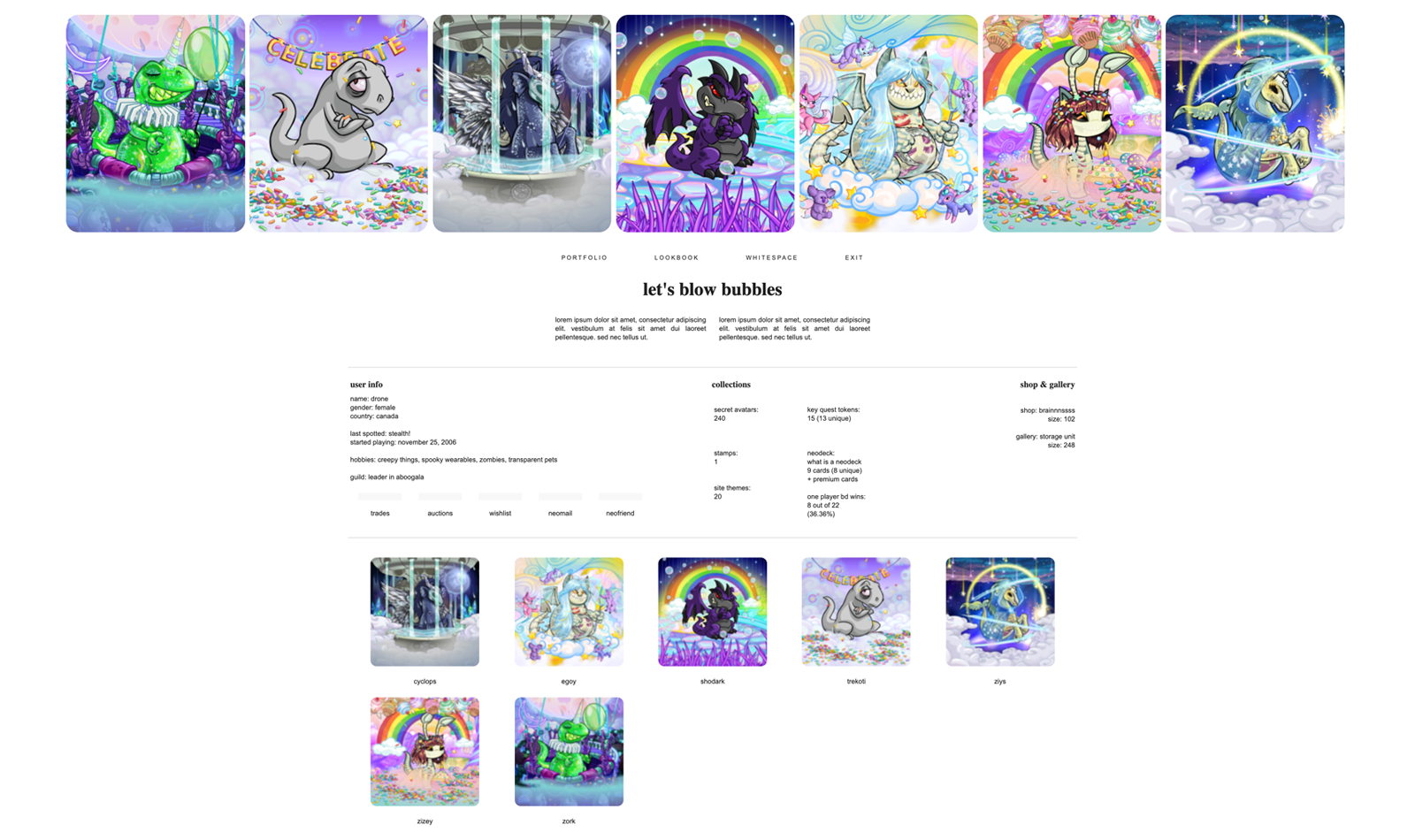
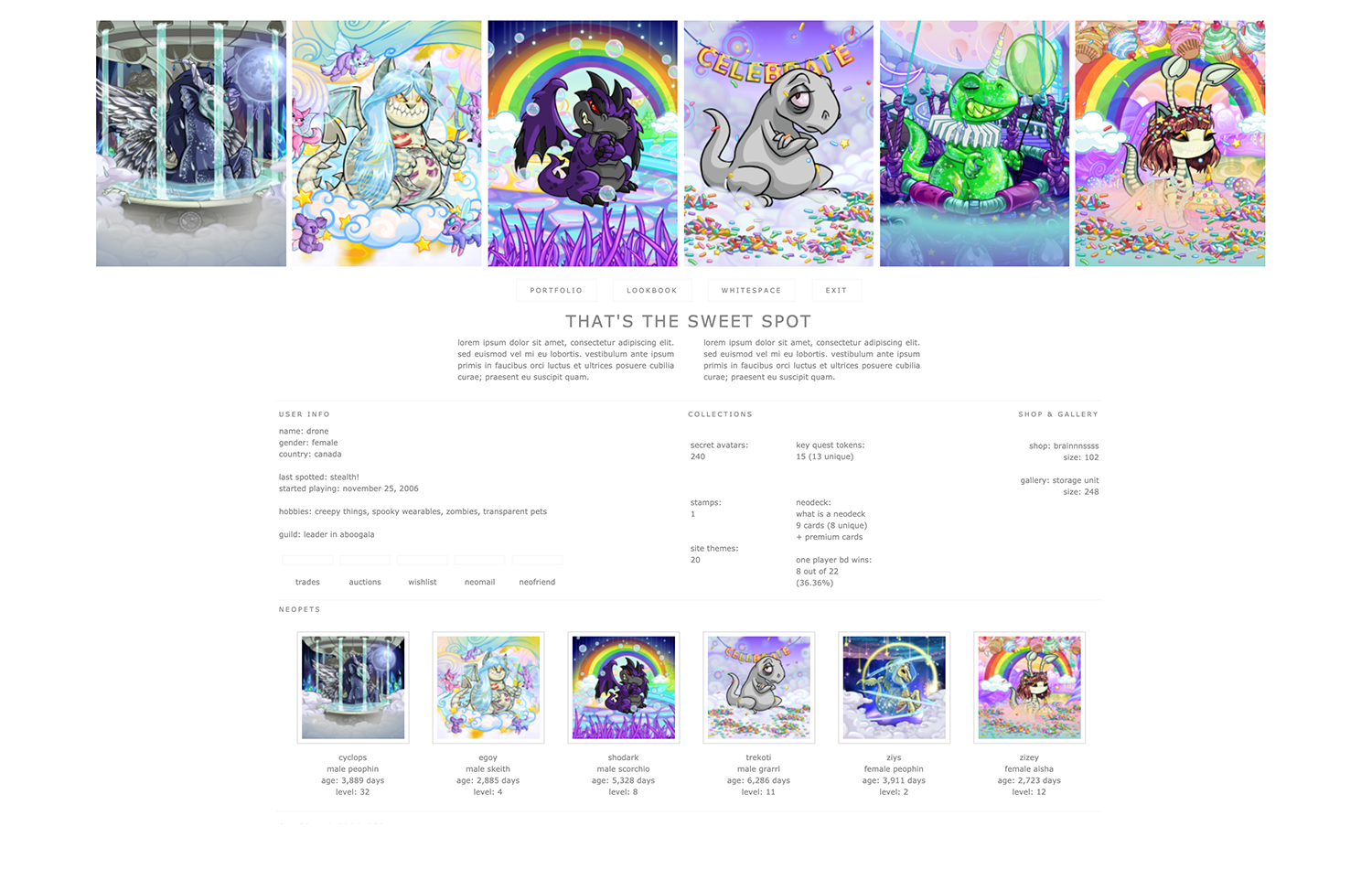
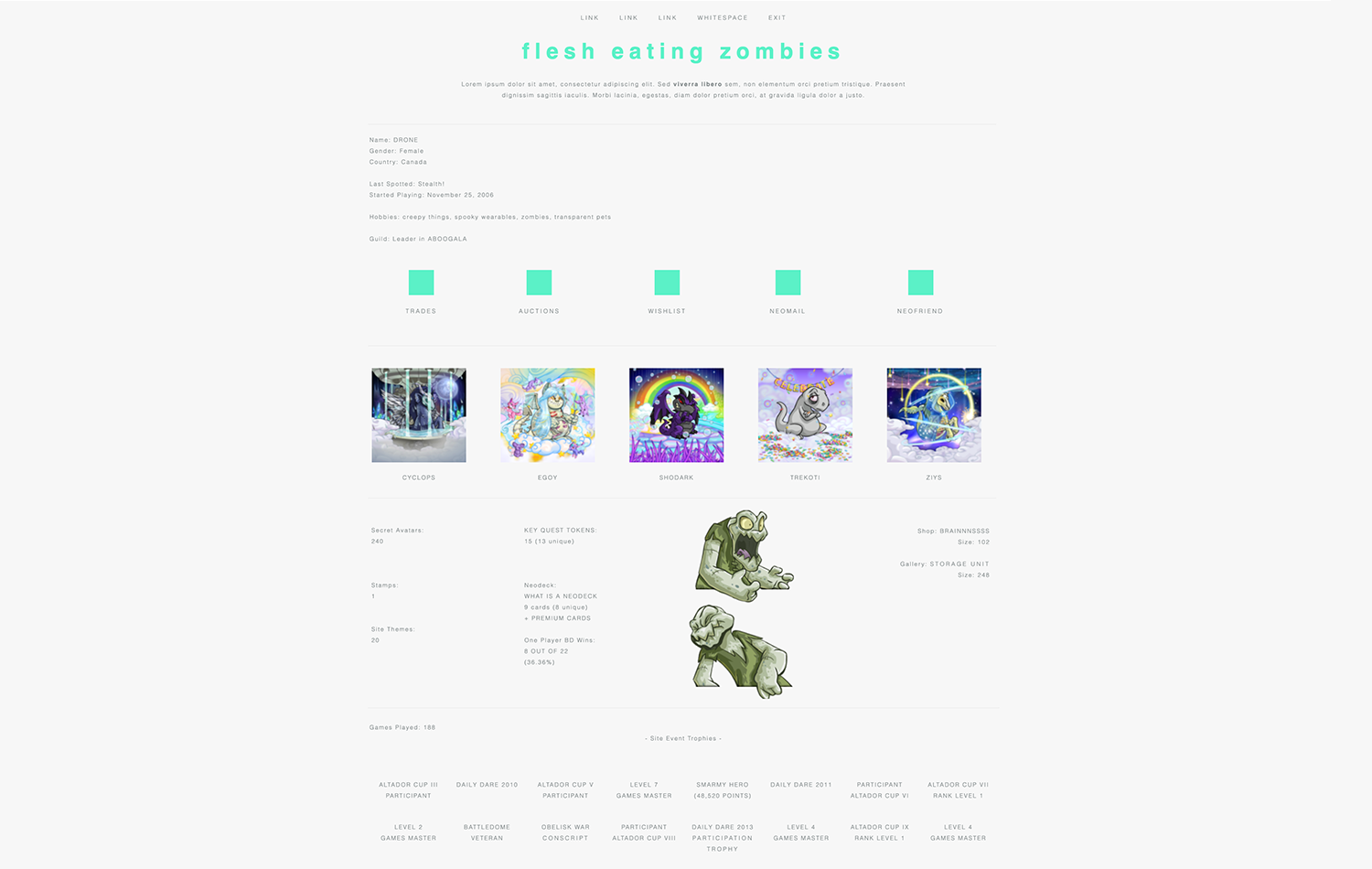
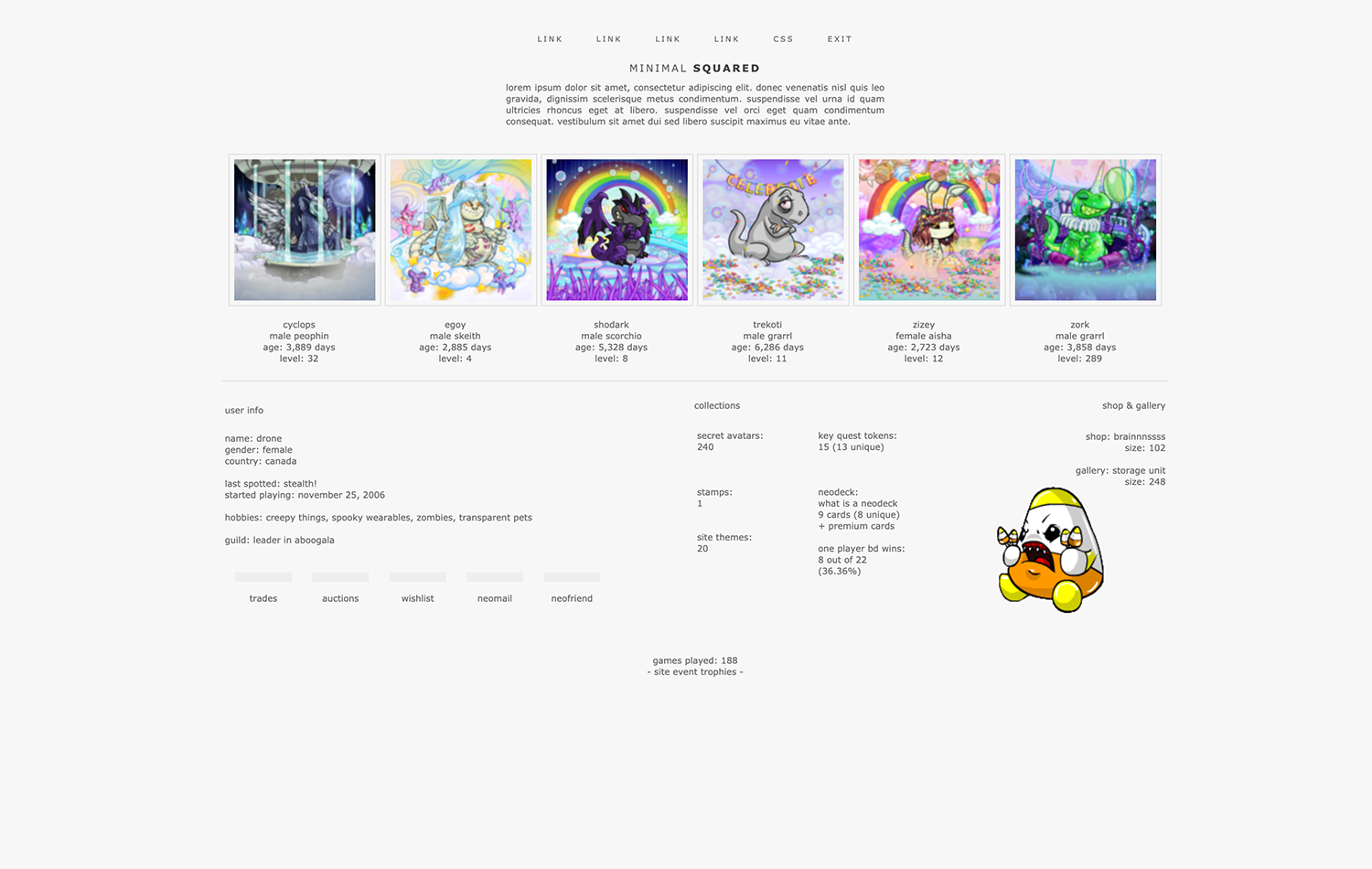
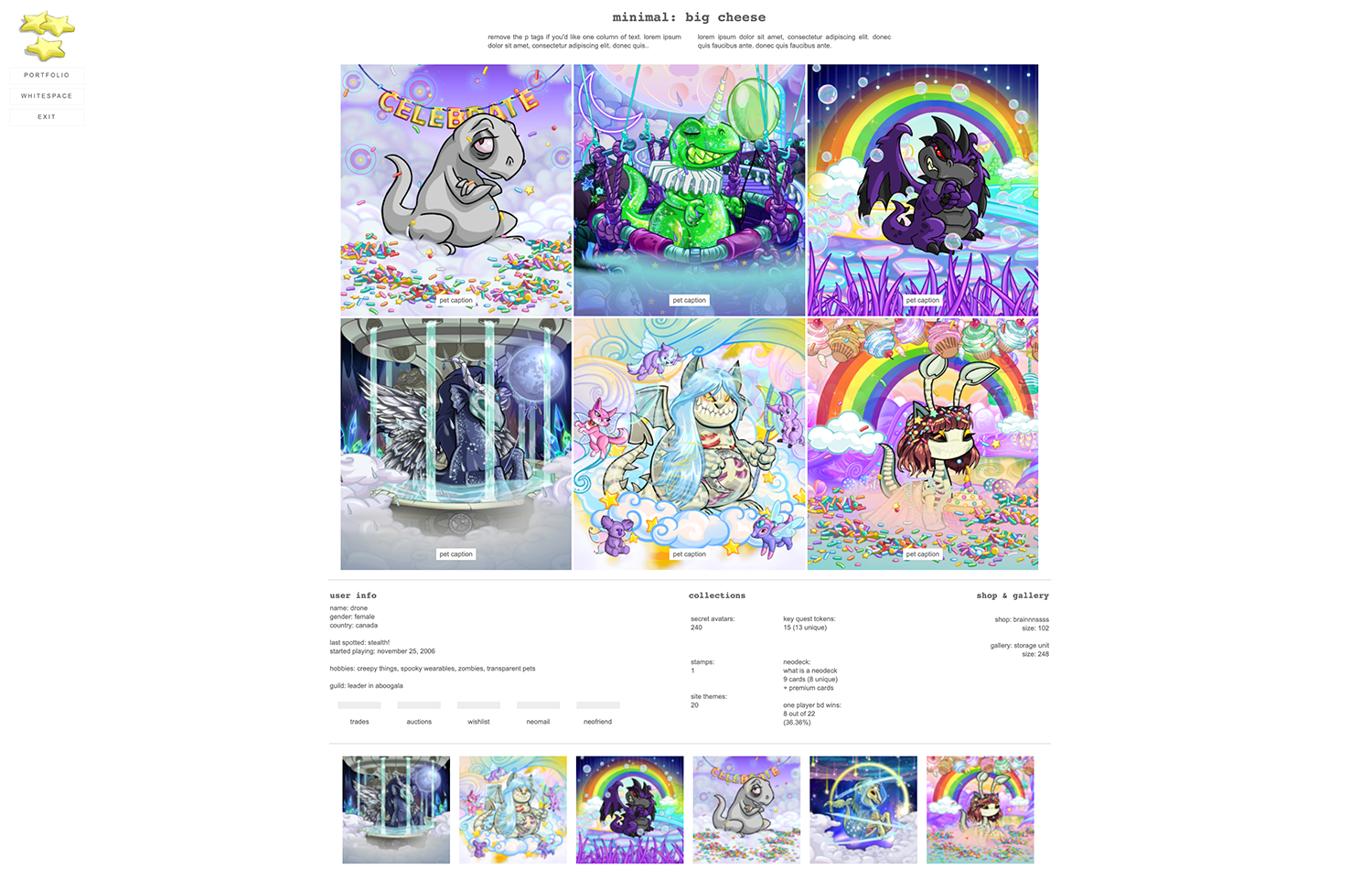
Premade Neopets User Lookup Layouts

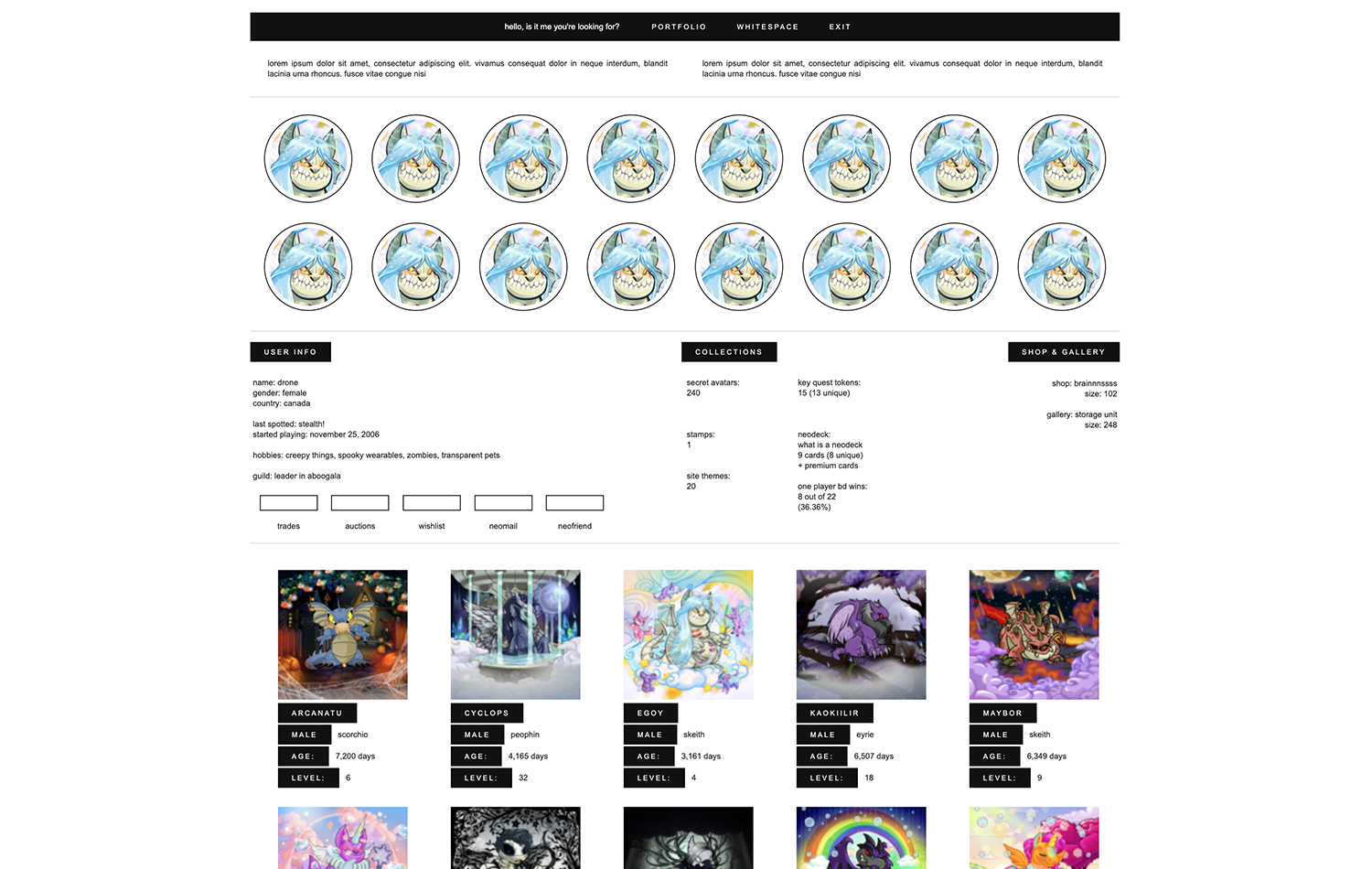
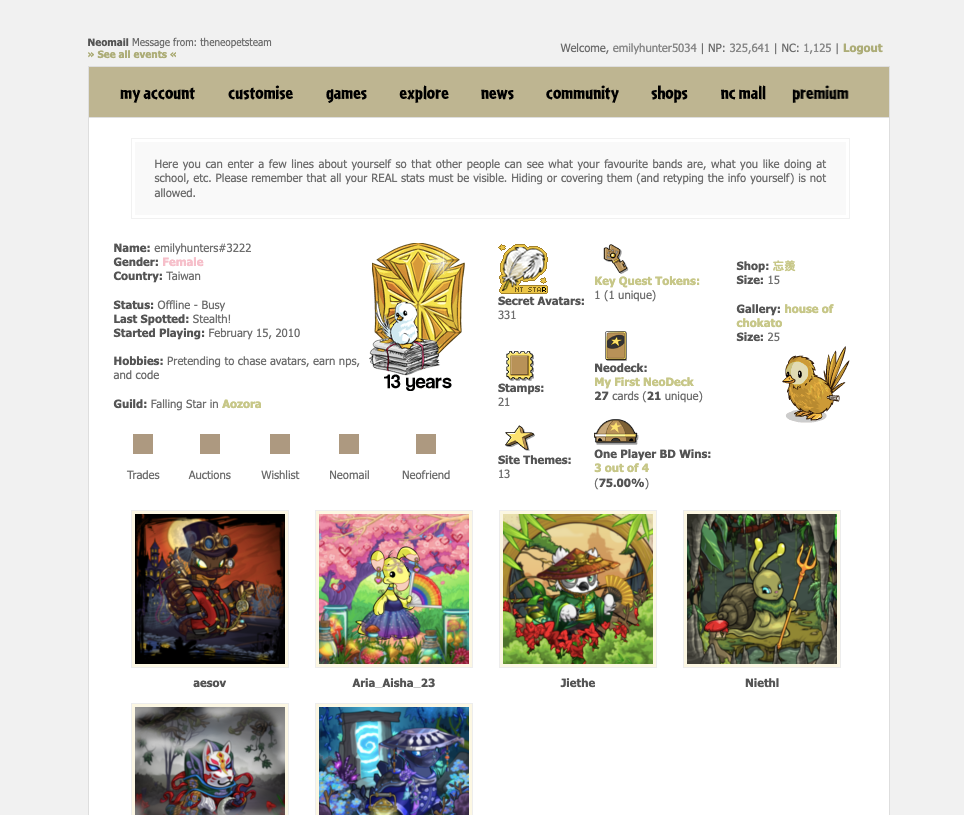
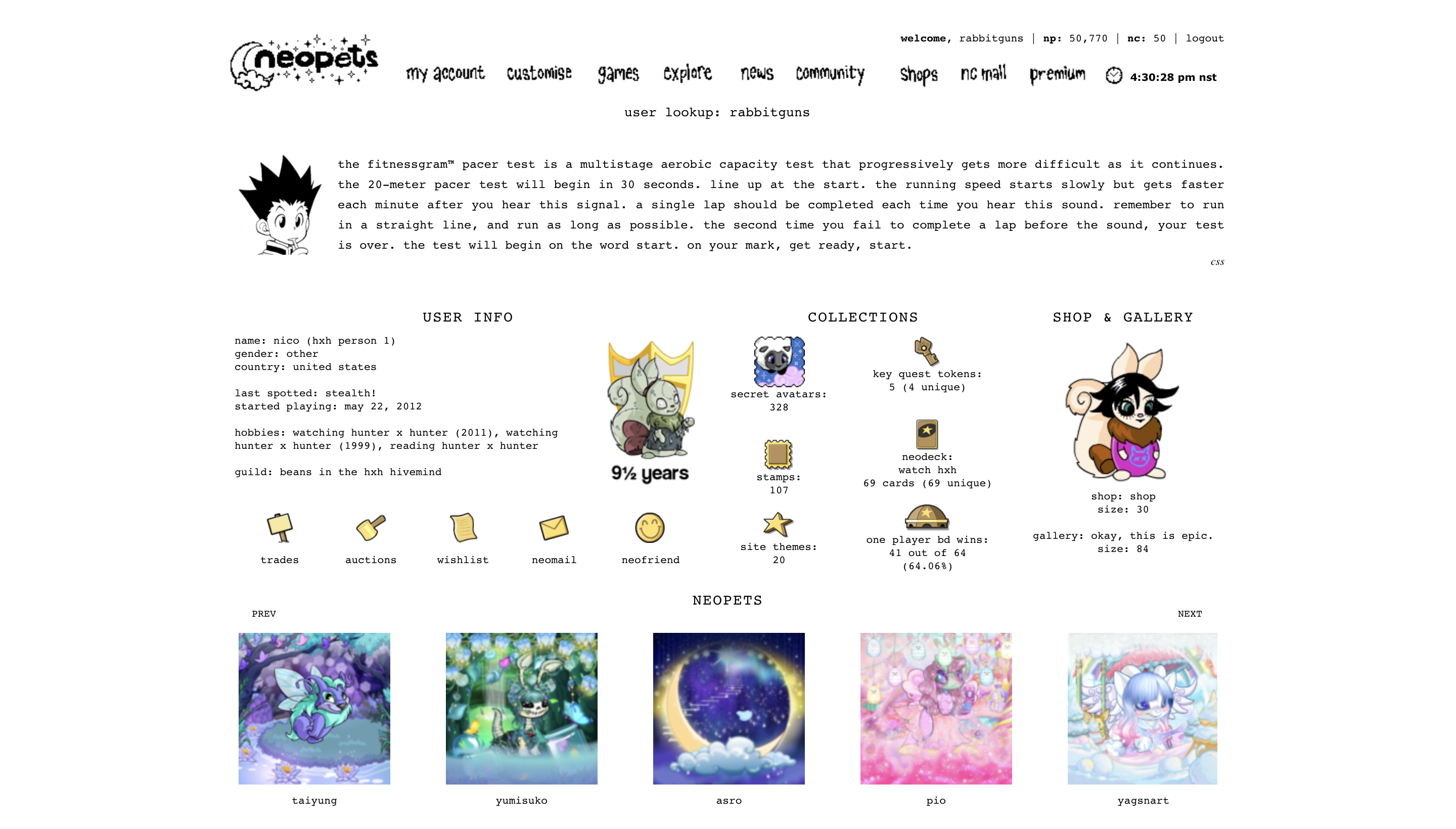
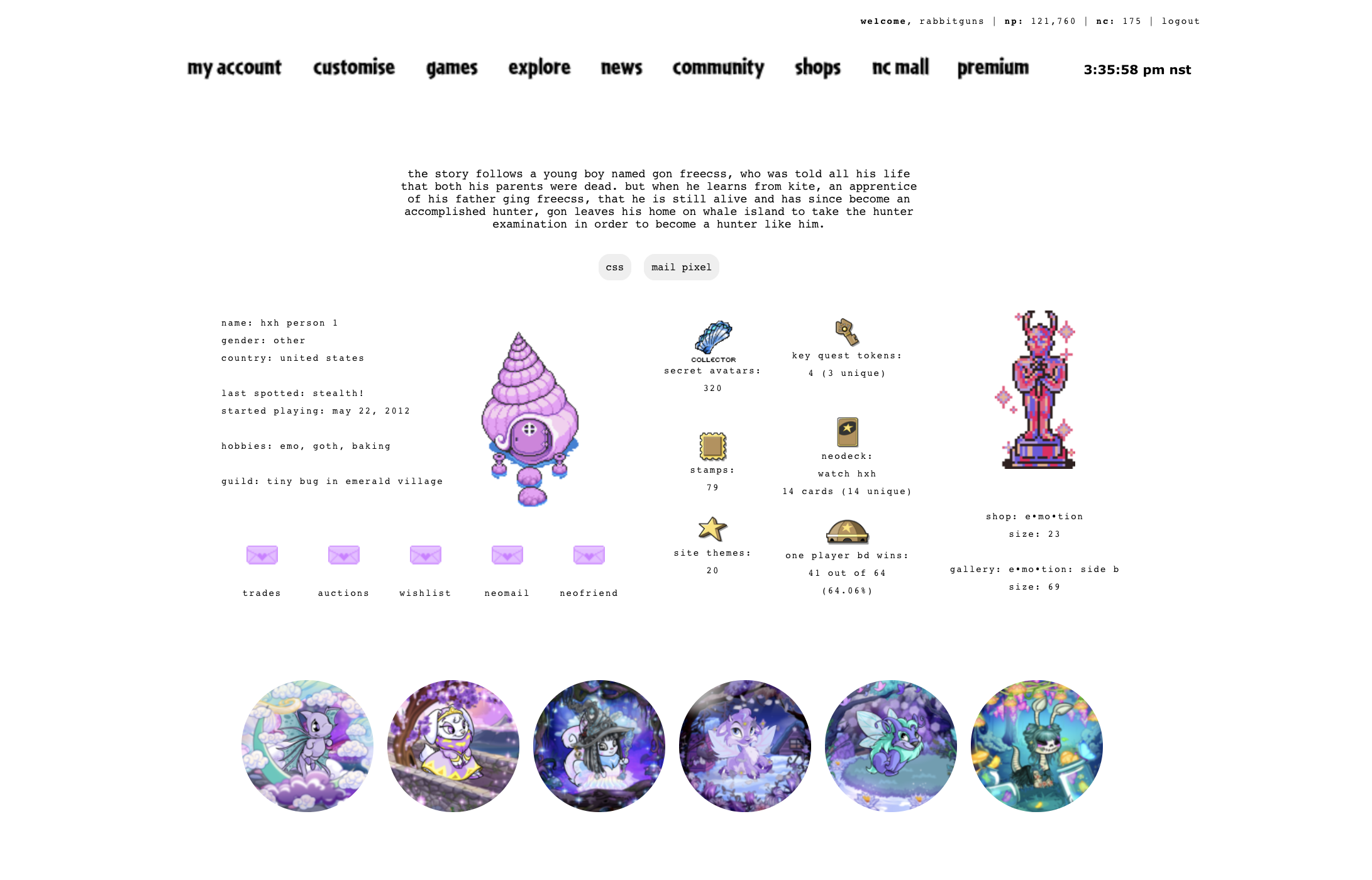
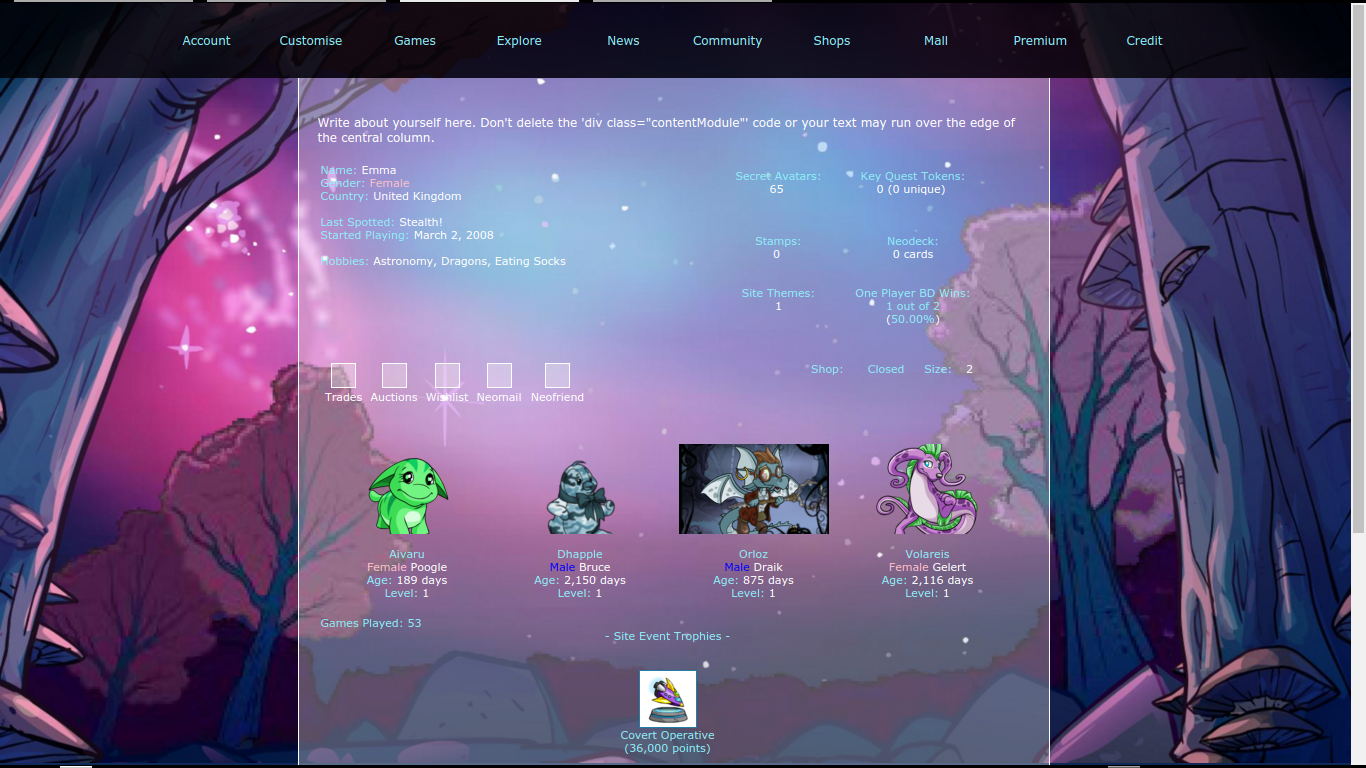
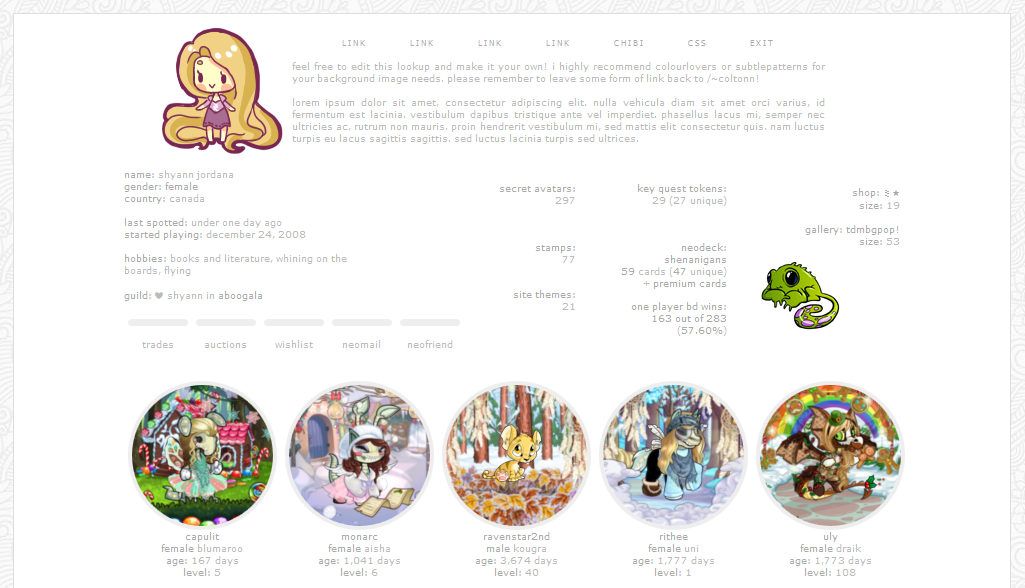
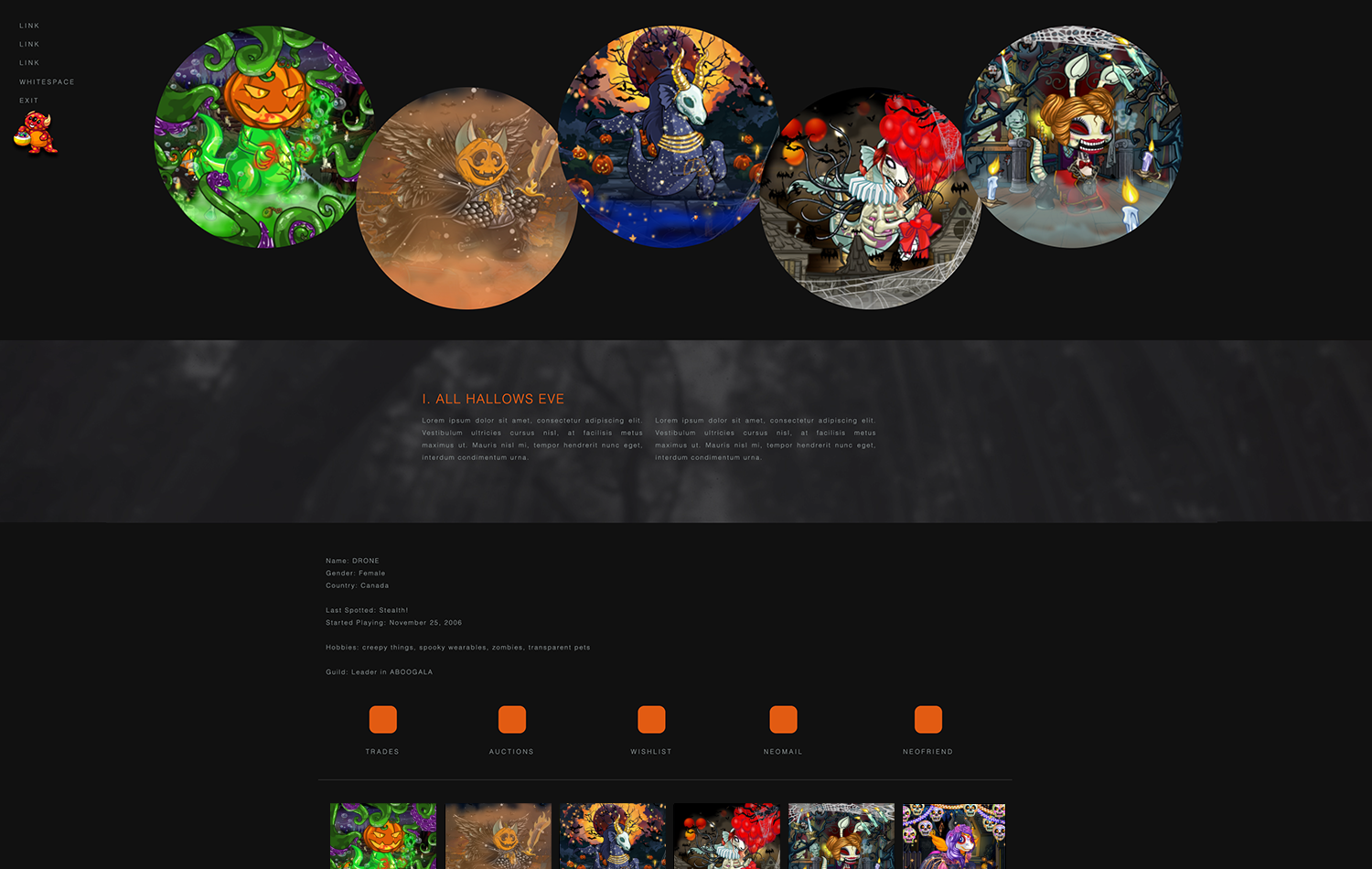
WYour Neopets userlookup is your personal canvas in the vibrant world of Neopia. Whether you’re a veteran player or just starting your Neopian journey, a premade userlookup design can add a creative touch that sets your profile apart. These pre-coded layouts are easy to use, stunning to look at, and offer endless possibilities for customization. In this guide, we’ll explore the world of premade userlookups and show you how to elevate your Neopian profile into a true masterpiece.


Why Use a Premade Userlookup?

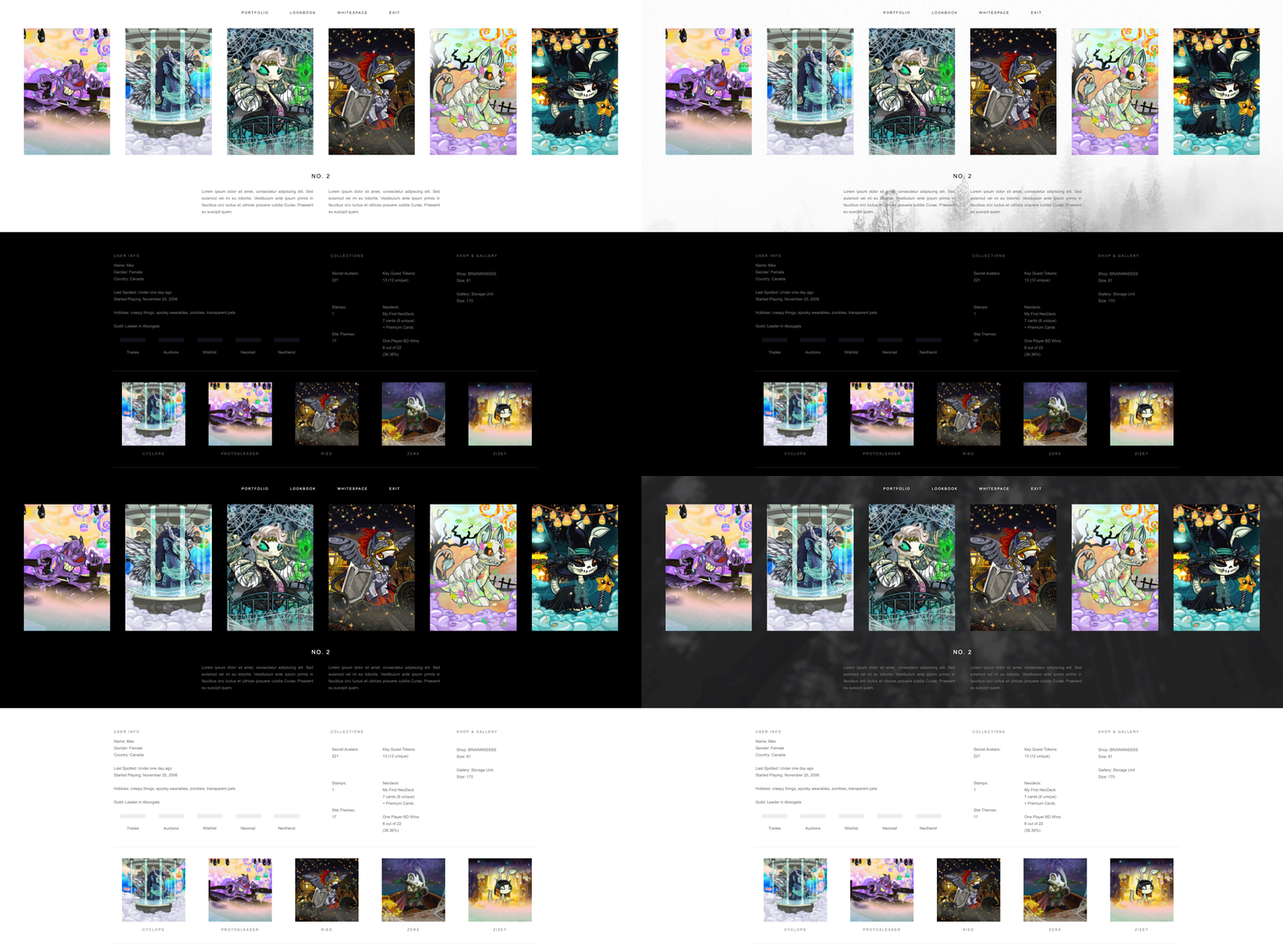
Premade userlookups save time and effort while giving your profile a professional and polished look. They’re perfect for players who may not be familiar with coding or those looking for quick yet beautiful results. These layouts are designed by talented Neopians who combine artistic vision with HTML and CSS skills, resulting in dynamic, eye-catching themes.


Key Features of Premade Userlookups

Diverse Themes

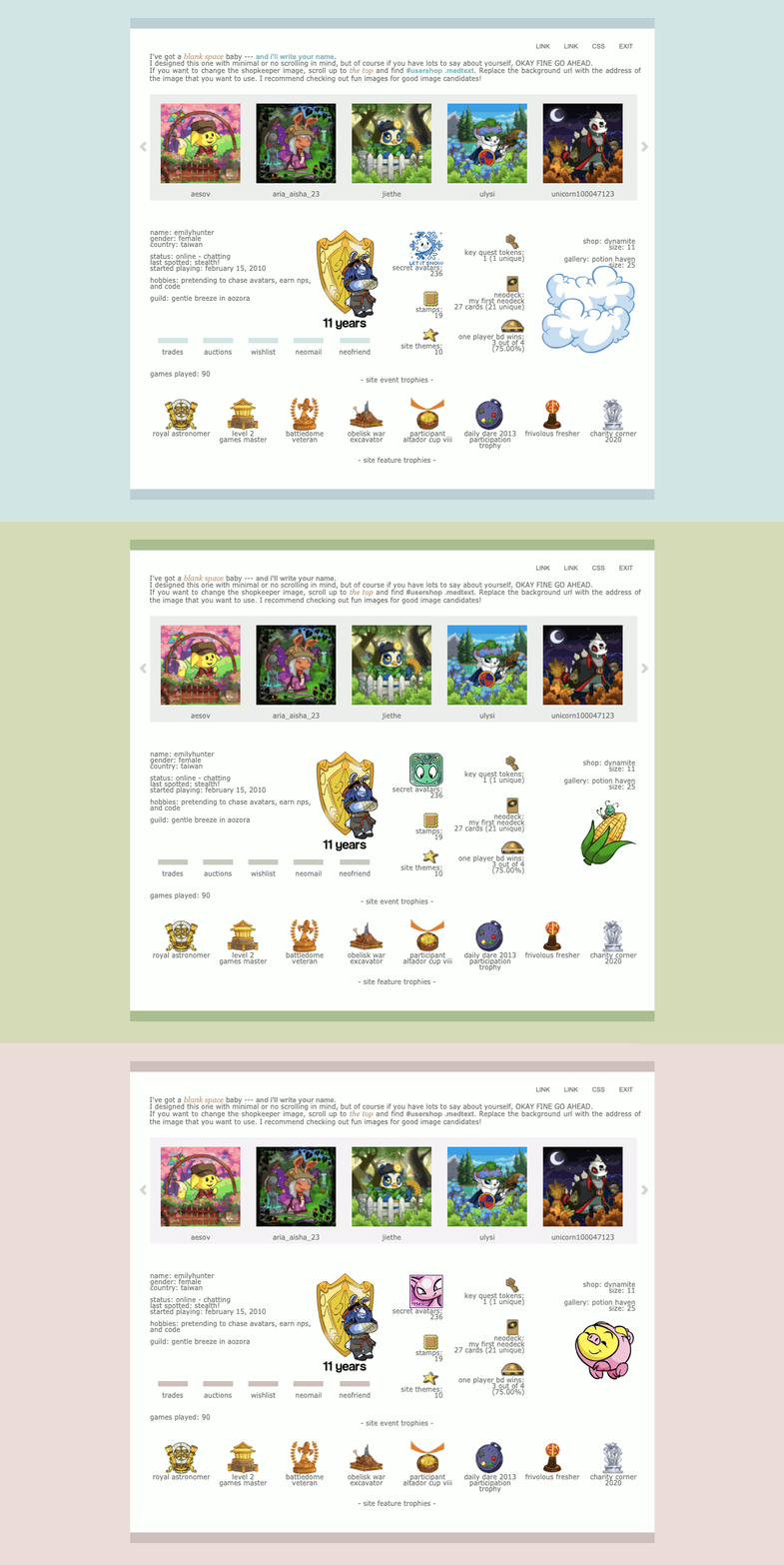
From magical faerie-inspired designs to sleek, futuristic aesthetics, the range of premade userlookups caters to every taste. Some popular categories include:

  • Pet-Specific Themes: Showcase your Neopet’s species with layouts tailored to Kacheeks, Aishas, or Shoyrus.
  • Seasonal Styles: Decorate your profile with holiday or event-themed layouts for a festive touch.
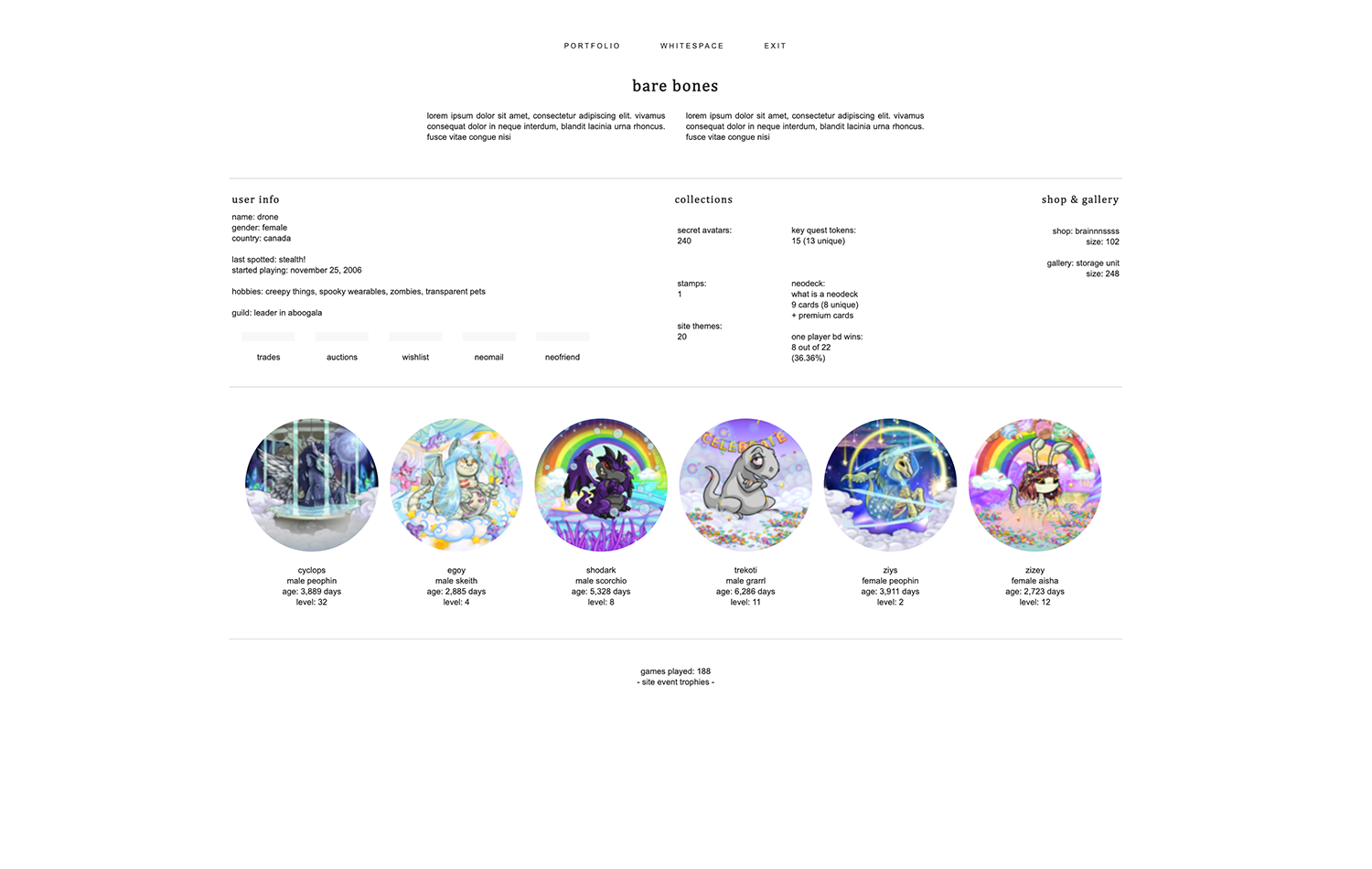
  • Minimalist Designs: Opt for clean and modern layouts that highlight your Neopets and stats.

Interactive Elements

Advanced userlookups include clickable icons, hidden surprises, and animations to captivate visitors. These interactive features bring your profile to life and make it more engaging.

Coding Magic for Personalization

Premade userlookups often come with customizable elements. Even if you’re new to coding, tweaking basic attributes like colors, fonts, and images is straightforward. A little knowledge of HTML and CSS can transform a premade layout into something uniquely yours.


How to Install a Premade Userlookup

  1. Choose Your Design
    Browse through a trusted source and select a layout that matches your style.
  2. Copy the Code
    Highlight the HTML and CSS code provided by the designer and copy it to your clipboard.
  3. Access Your Userlookup Settings
    Log into your Neopets account and navigate to your User Preferences. Click on the “Edit Profile/Settings” option.
  4. Paste the Code
    In the “User Lookup” section, paste the code into the provided text box.
  5. Save Changes
    Click the “Save” button and refresh your profile to see your stunning new layout.
Tips for Personalizing Your Userlookup

Customize Fonts and Colors

Adjust font styles or color schemes to reflect your Neopet’s personality. Look for lines of code labeled font-family or color to make changes.
Add Personal Graphics

Incorporate your own images, such as fan art of your Neopets or banners showcasing your achievements.

Highlight Your Neopets

Many premade userlookups allow for additional customization, like adding fun facts or stories about your Neopets. This adds a personal touch to your profile.


Seasonal and Event-Themed Layouts

Keep your userlookup fresh by updating it for holidays and Neopian events. Designers often release limited-time layouts for occasions like the Advent Calendar, Altador Cup, or Halloween. These festive designs make your profile stand out while celebrating the spirit of Neopia.


Frequently Asked Questions

Can I edit a premade userlookup layout if I don’t know coding?
Absolutely! Most layouts include easy-to-find sections for customization. Tutorials on platforms like SunnyNeo can guide you through basic edits.

Are premade userlookups allowed on Neopets?
Yes, as long as the code adheres to Neopets’ site rules. Avoid adding scripts or features that violate terms of service.

What if I want to design my own userlookup?
Start with simple HTML and CSS tutorials to learn the basics. Many designers begin by tweaking existing layouts before creating their own from scratch.


Final Thoughts

Premade userlookups are an excellent way to personalize your Neopets profile with minimal effort. Whether you’re drawn to whimsical designs, interactive features, or holiday themes, there’s a layout out there for every Neopian. Take the leap into customization and let your creativity shine—your profile will be the talk of Neopia in no time!


neopets userlookup

CODE


custom neopets userlookup

CODE


userlookup layouts neopets


CODE


CODE


CODE


CODE


CODE


CODE


CODE


CODE

CODE

CODE

CODE

CODE

CODE

CODE

Holidays and Neopets Events Lookups
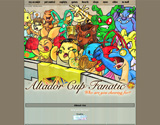
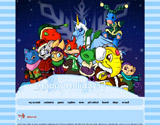
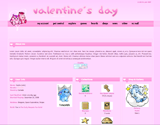
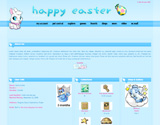
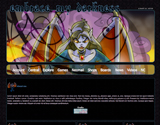
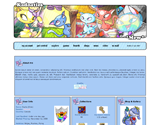
Altador Cup Fanatic Happy Holidays! Valentine’s Day Happy Easter
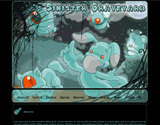
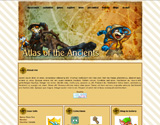
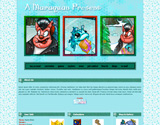
Sinister Graveyard Atlas of the Ancients A Maraquan Present Aristotle A. Avinroo
The Faeries’ Ruin The Graveyard Near The House Advent Calendar The Seekers
Neopian Characters Lookups
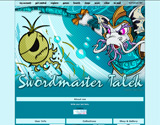
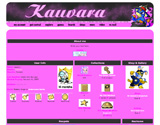
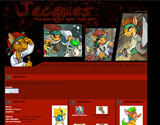
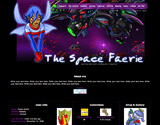
Swordmaster Talek Kauvara Jacques The Space Faerie
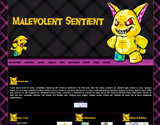
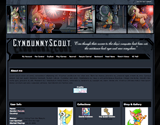
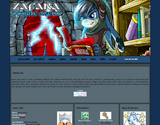
Malevolent Sentient Cybunny Scout Zafara Double Agent Embrace my darkness
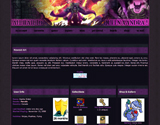
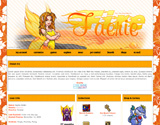
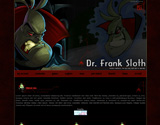
All Hail to Queen Xandra! Fire Faerie Dr. Frank Sloth Thievery
Pets and Petpets Themed Lookups
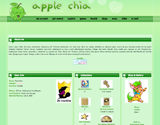
Quigukis Faerie Xweetok Make a wish… Apple Chia
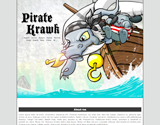
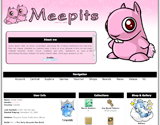
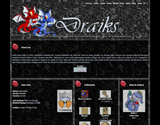
Pirate Krawk Meepits *Does not work properly in IE. Draiks Kadoaties *Mew*
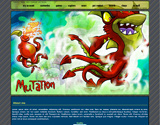
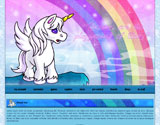
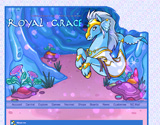
Mutation Uni Royal Grace Zafaras
Other Lookups
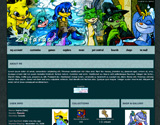
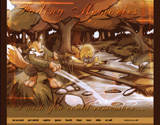
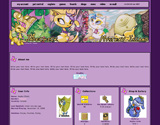
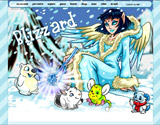
Fading Memories Mystery Island Blizzard Laboratory
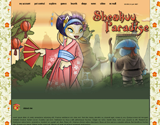
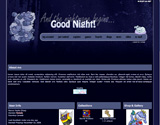
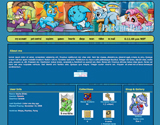
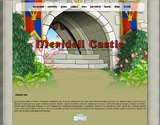
Shenkuu Paradise Good Night! Plushie Palace Meridell Castle
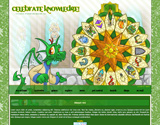
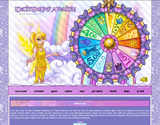
Celebrate Knowledge! Excitement Awaits!
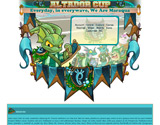
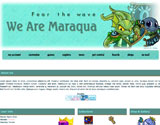
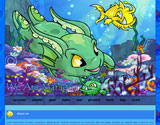
Altador Cup – We Are Maraqua
WAM Everyday in everywave… Fear The Wave Fish at heart

Last updated: 11/20/2024

Old Pet Trophy

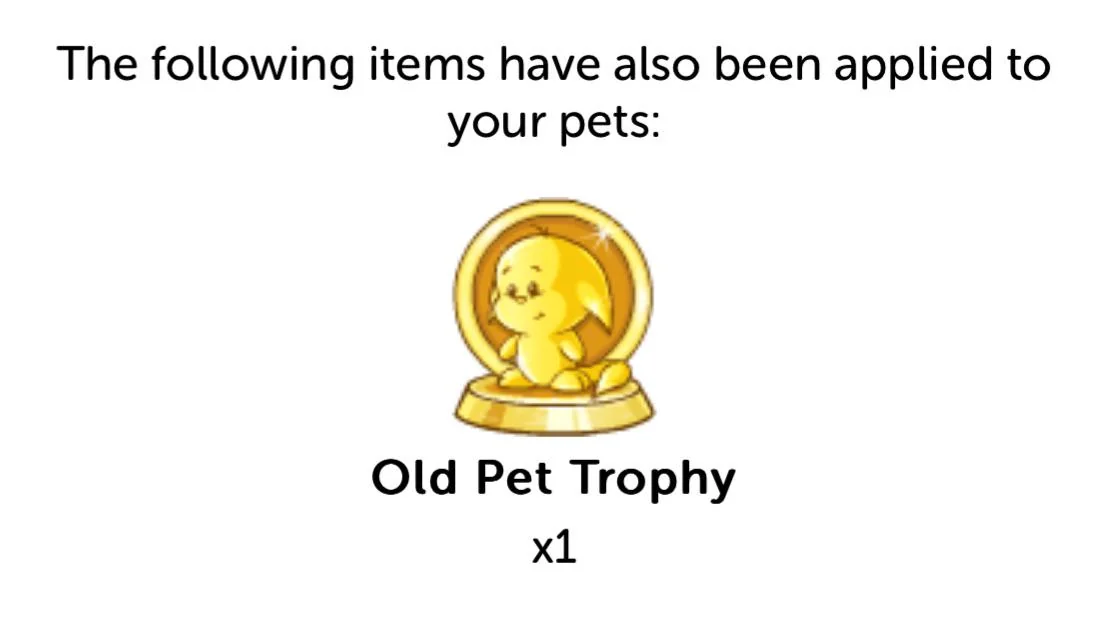
In the vast world of Neopia, where virtual pets roam and adventures await, a special tribute has been introduced to honor those pets that have withstood the test of time. The Old Pet Trophy, a new addition to the realm of Neopets, celebrates the legacy of pets created on or before April 26th, 2007. Regardless of their conversion status, these veteran pets are now adorned with a prestigious trophy that signifies their enduring presence in the Neopian landscape.

The Unveiling of the Neopets Old Pet Trophy

Neopets, founded in 1999, has evolved over the years with various updates and changes. To commemorate the pets that have been a part of this journey since the early days, the Old Pet Trophy was unveiled. This trophy is a mark of distinction for any pet that was brought into existence on or before April 26th, 2007, making them a part of the Neopian history books.

Eligibility and Qualification

To determine whether your pet qualifies for the Old Pet Trophy, players are encouraged to visit the main homepage of Neopets. Upon logging in, a pop-up notification will display the number of eligible pets and indicate which Nostalgic styles, if any, have been awarded. The age requirement is straightforward – any pet created before or on April 26th, 2007, is entitled to this exclusive recognition.

An Inclusive Trophy

One notable aspect of the Old Pet Trophy is its inclusivity. Unlike some trophies that may be exclusive to unconverted (UC) pets, the Old Pet Trophy is open to all pets meeting the age criteria, regardless of their conversion status. This means that both converted and unconverted pets created before the specified date are equally eligible for this prestigious award.

Clarifying the Blue Grundo Reference

The statement, “so any Neopet like a Blue Grundo would be eligible for the trophy,” might raise questions about the availability of certain painted pets. It’s essential to understand that the reference to a Blue Grundo is an example rather than a limitation. The statement implies that any pet, regardless of its paint color or species, created on or before April 26th, 2007, can receive the Old Pet Trophy. The Blue Grundo is merely used as a representative example and does not suggest that no Blue Grundos have been created since April 2007.

Preserving Neopian History

The introduction of the Old Pet Trophy not only pays homage to the veteran pets that have been a part of Neopets since its early days but also highlights the commitment of the platform to preserve its rich history. As Neopia continues to evolve, the Old Pet Trophy stands as a symbol of the enduring bonds between Neopets and their owners, showcasing the loyalty and nostalgia that make this virtual world so special.

Conclusion

The Old Pet Trophy is a cherished addition to the diverse array of achievements in Neopia. By recognizing and honoring pets created before April 26th, 2007, Neopets reaffirms its commitment to celebrating the longstanding contributions of these virtual companions. As players embark on new adventures in Neopia, the Old Pet Trophy serves as a reminder of the rich history that continues to shape the ever-expanding world of Neopets.

Last updated: 12/06/2024