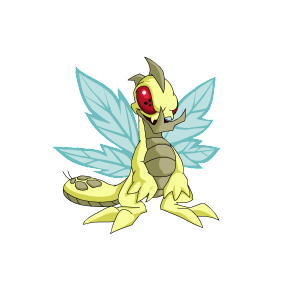
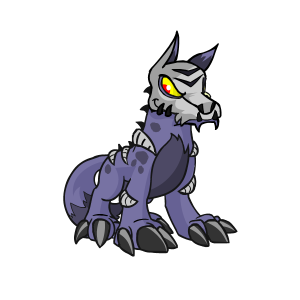
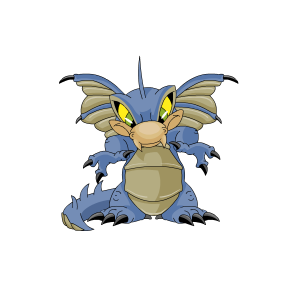
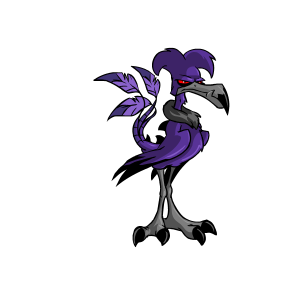
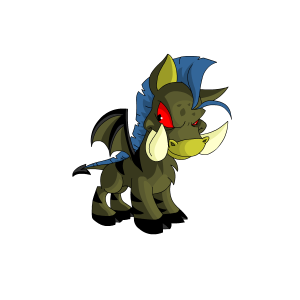
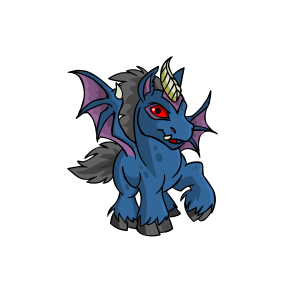
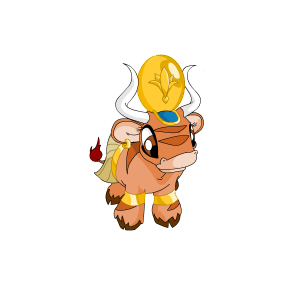
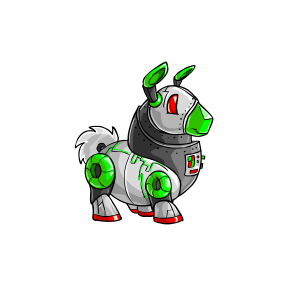
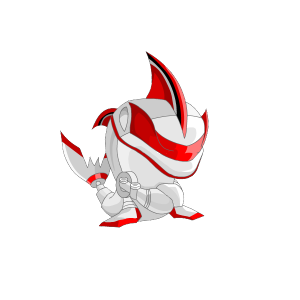
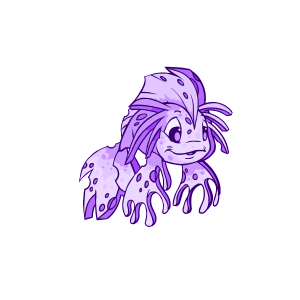
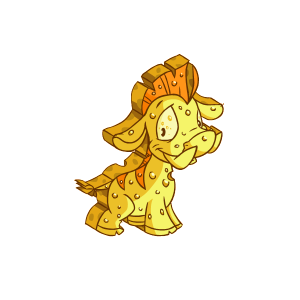
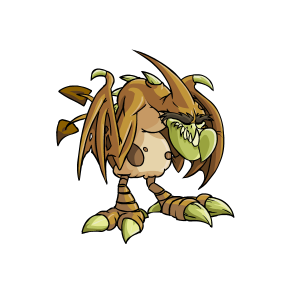
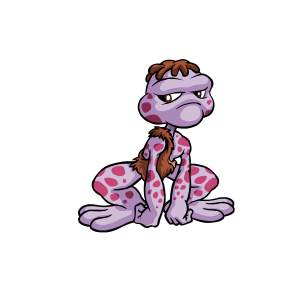
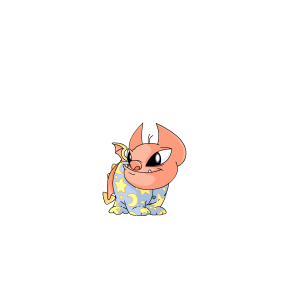
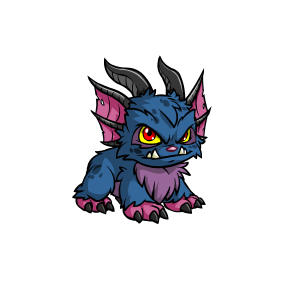
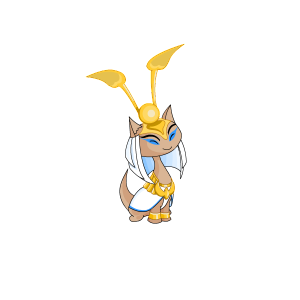
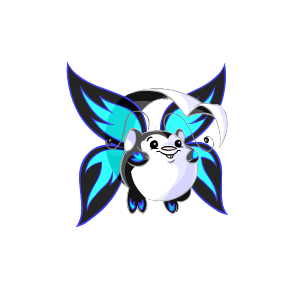
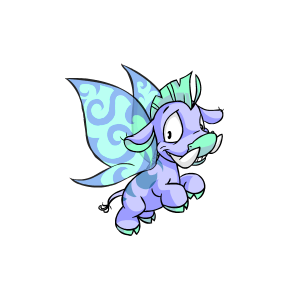
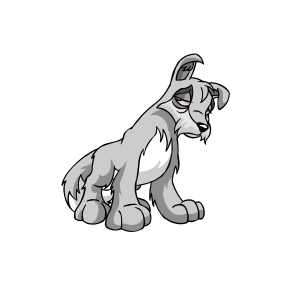
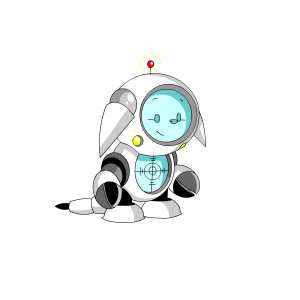
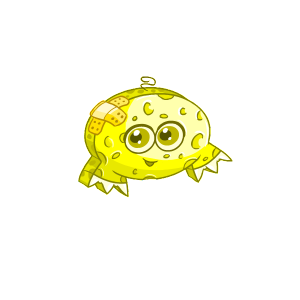
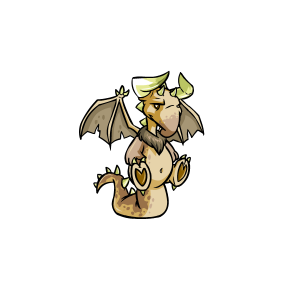
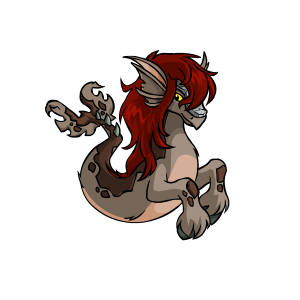
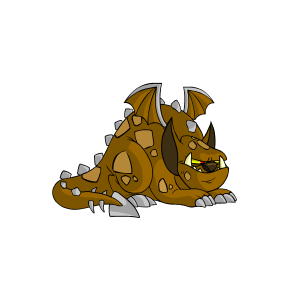
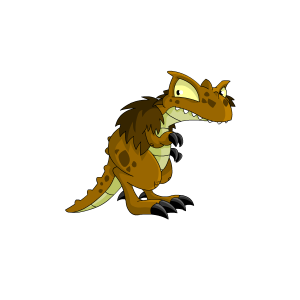
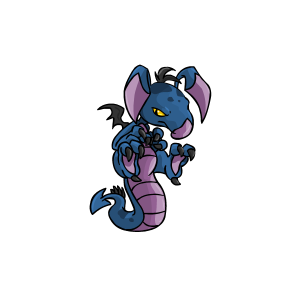
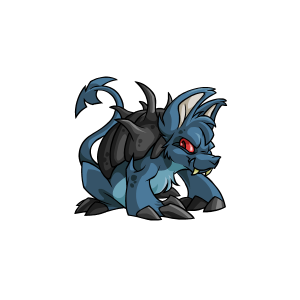
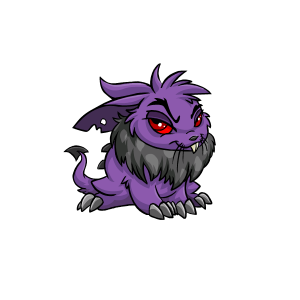
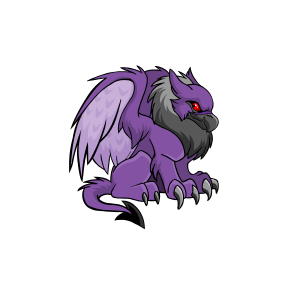
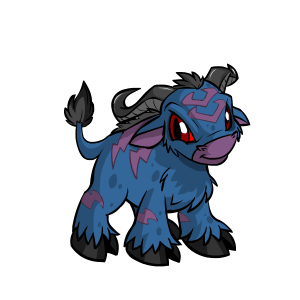
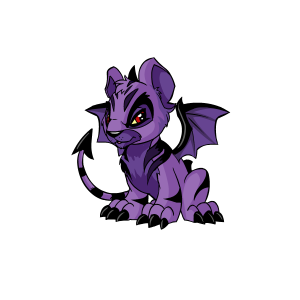
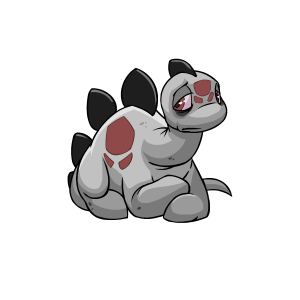
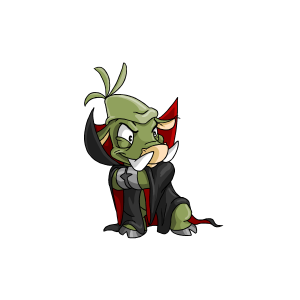
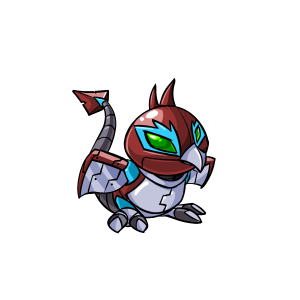
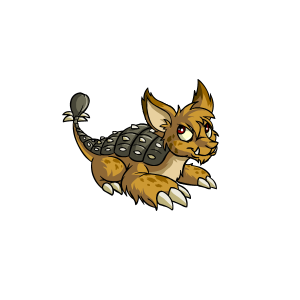
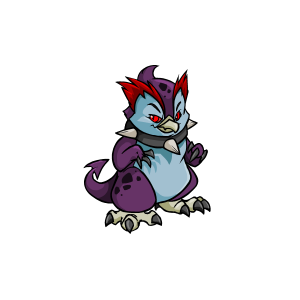
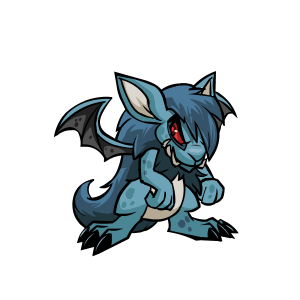
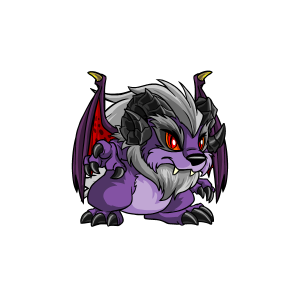
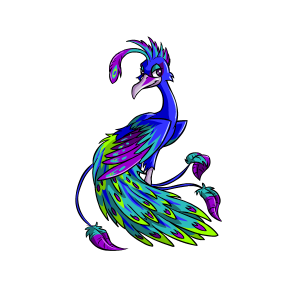
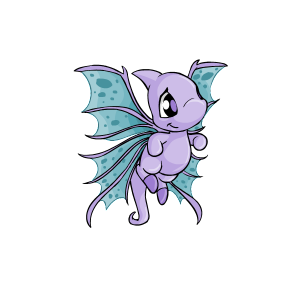
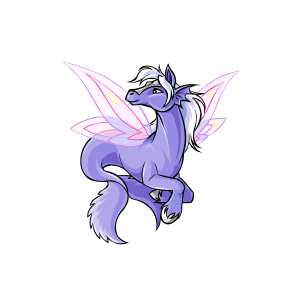
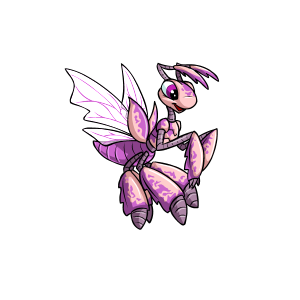
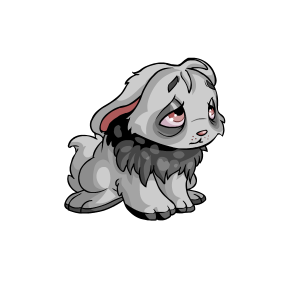
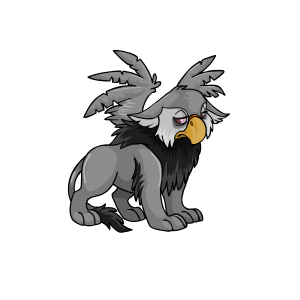
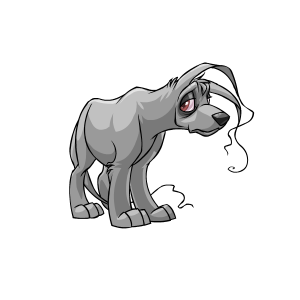
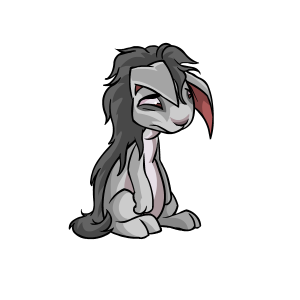
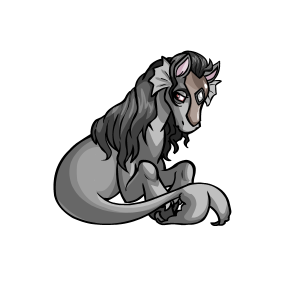
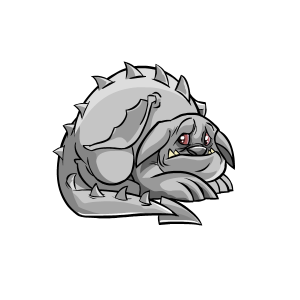
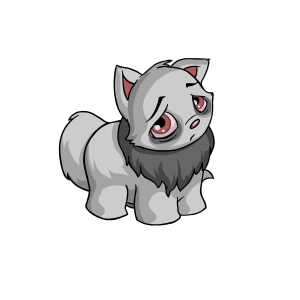
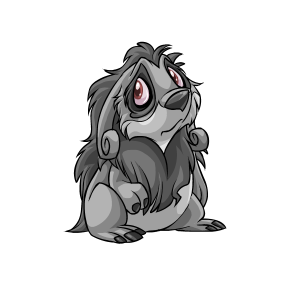
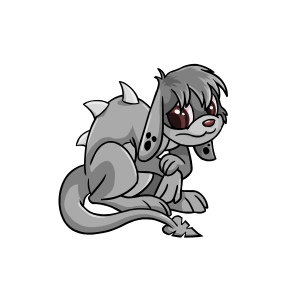
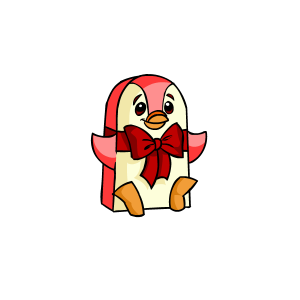
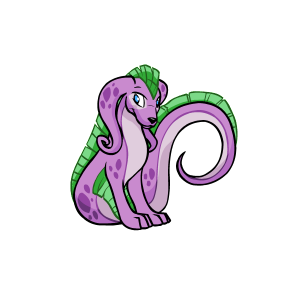
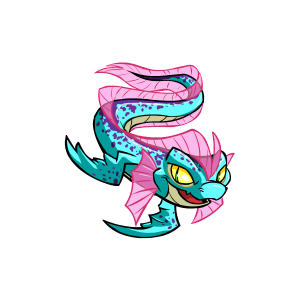
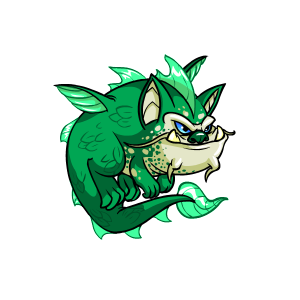
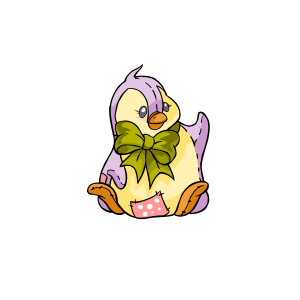
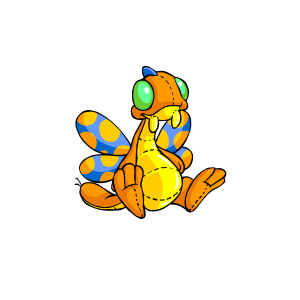
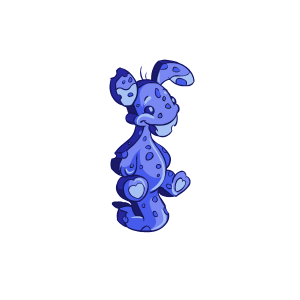
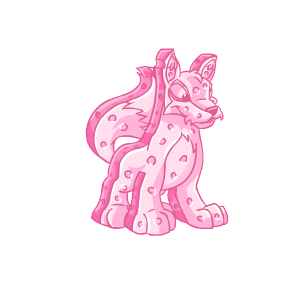
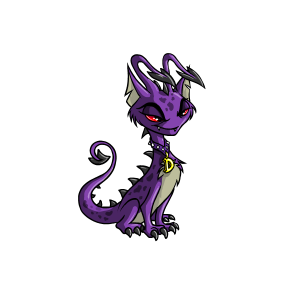
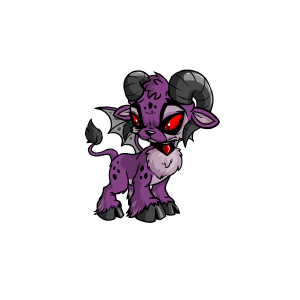
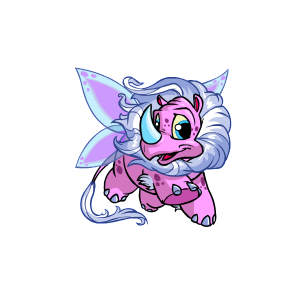
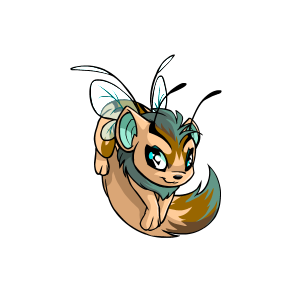
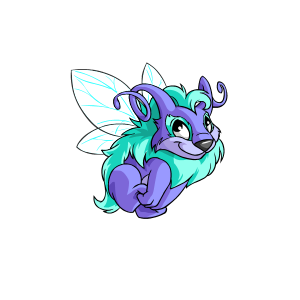
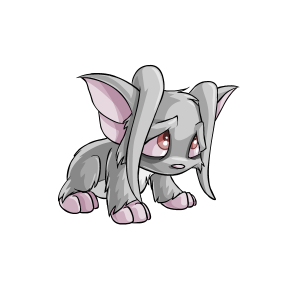
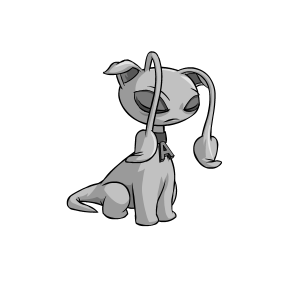
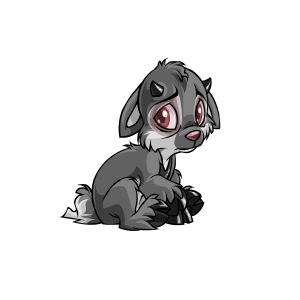
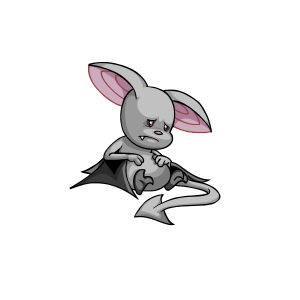
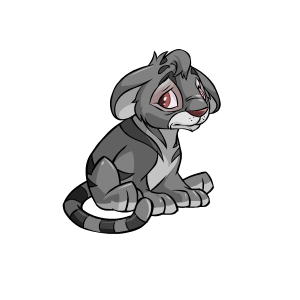
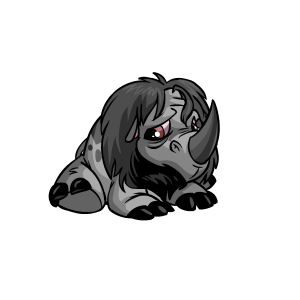
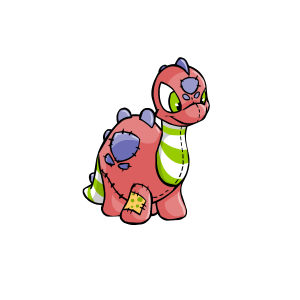
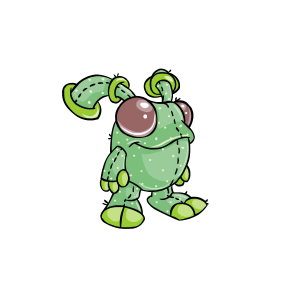
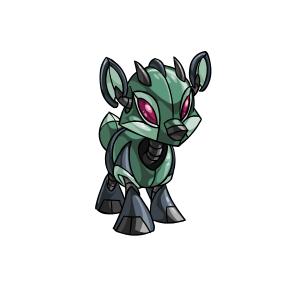
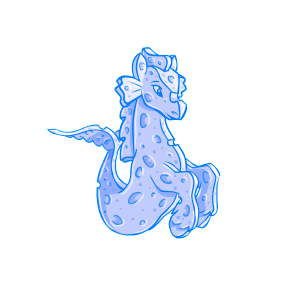
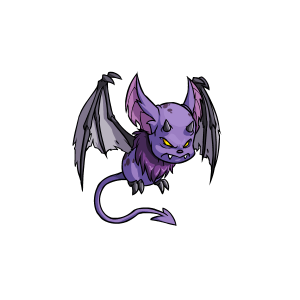
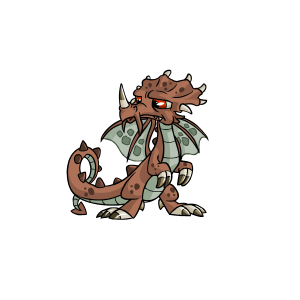
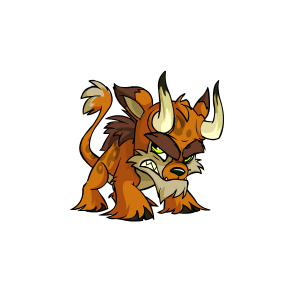
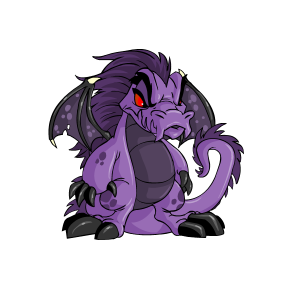
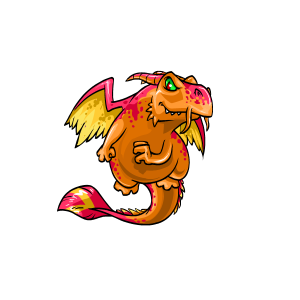
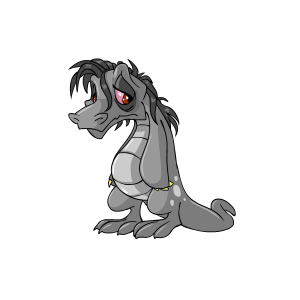
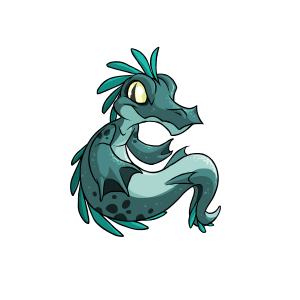
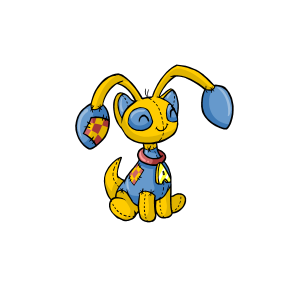
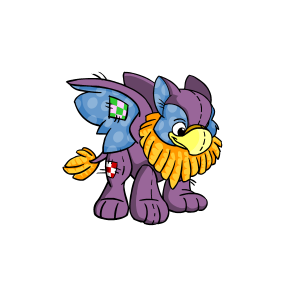
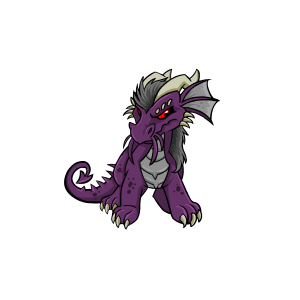
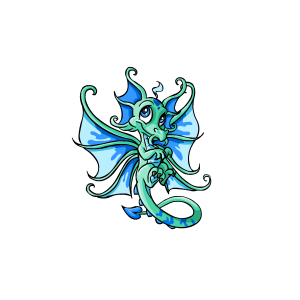
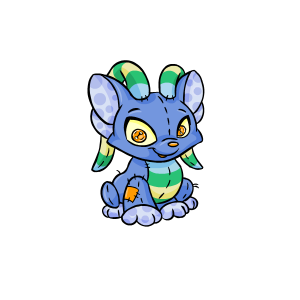
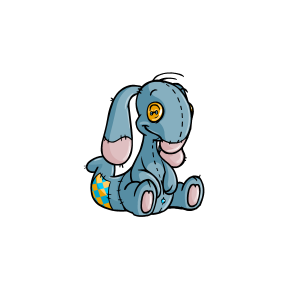
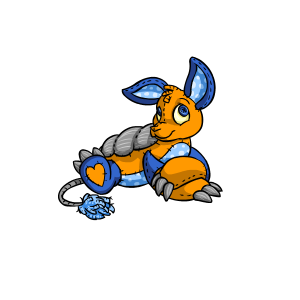
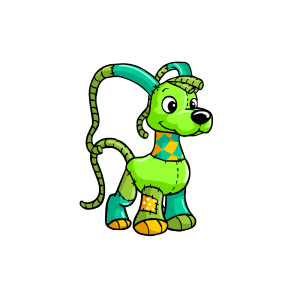
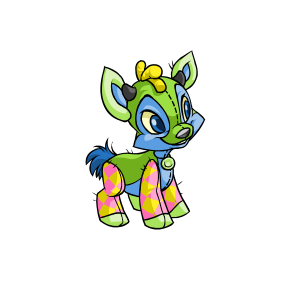
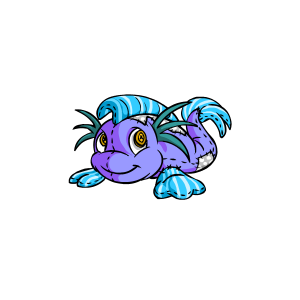
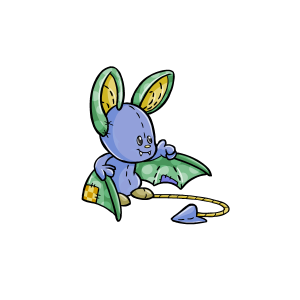
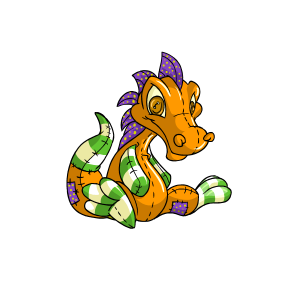
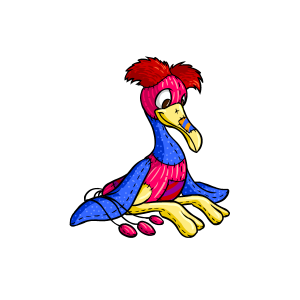
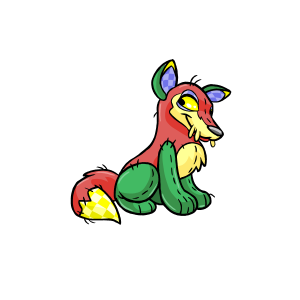
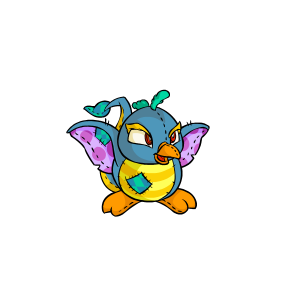
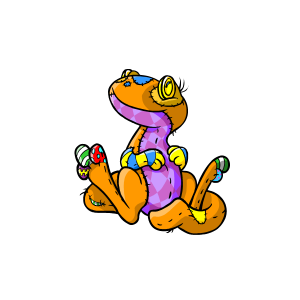
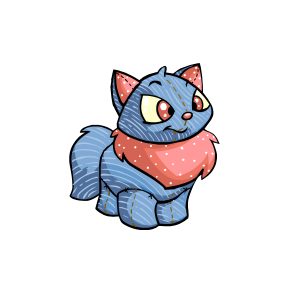
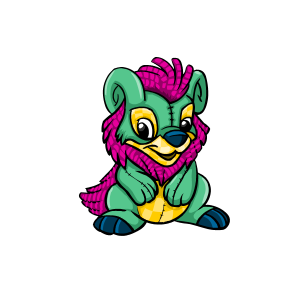
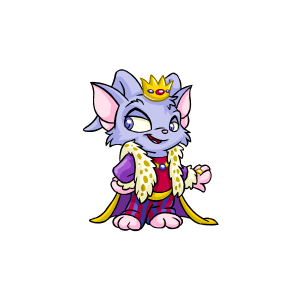
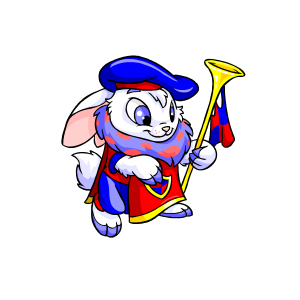
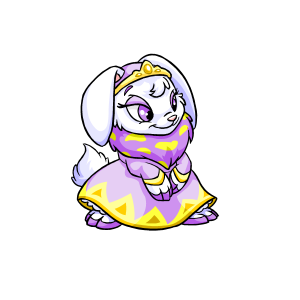
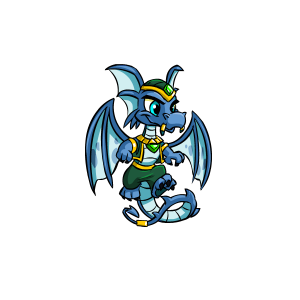
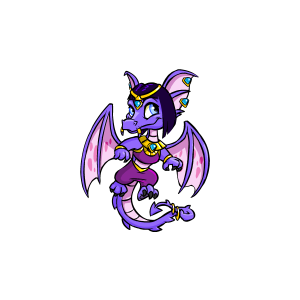
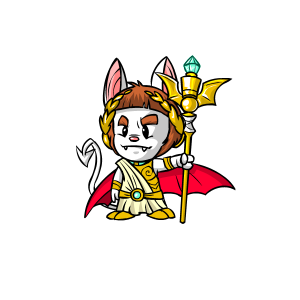
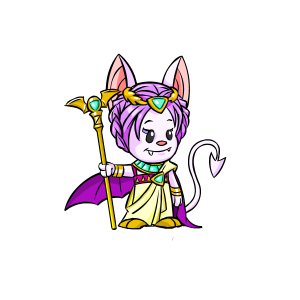
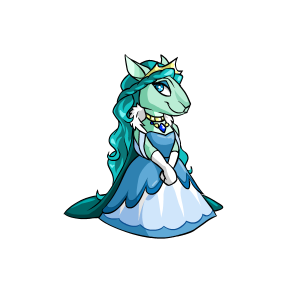
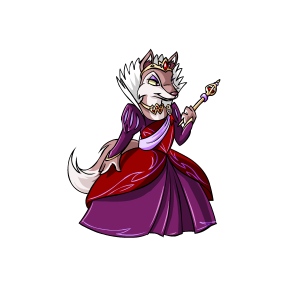
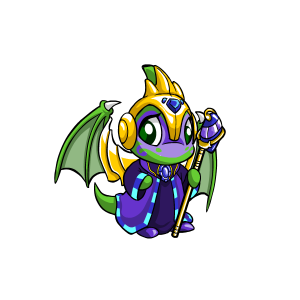
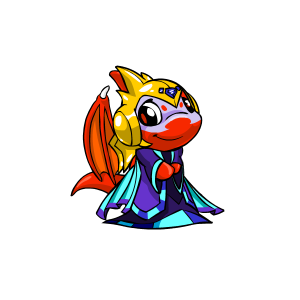
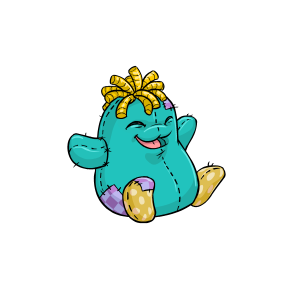
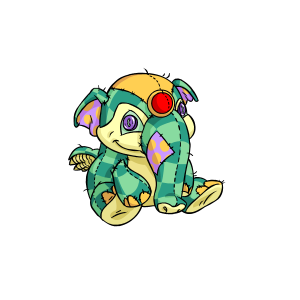
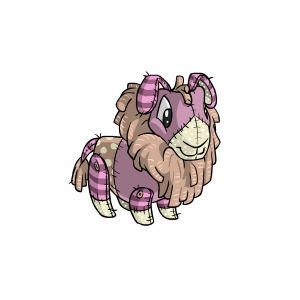
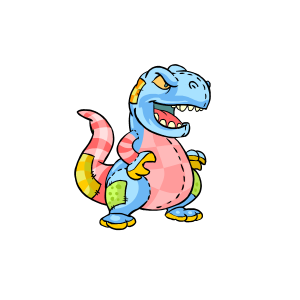
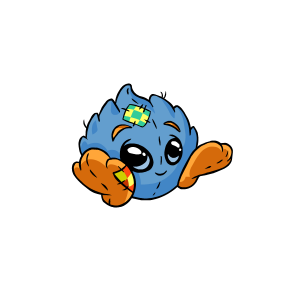
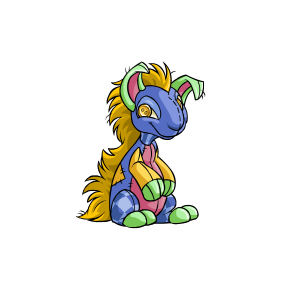
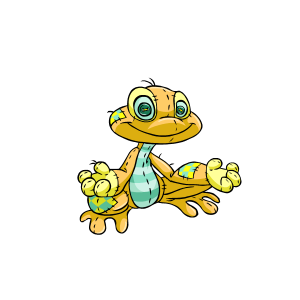
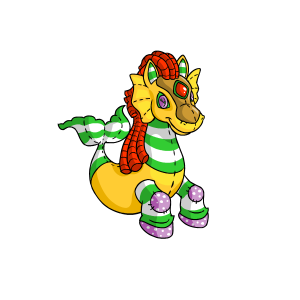
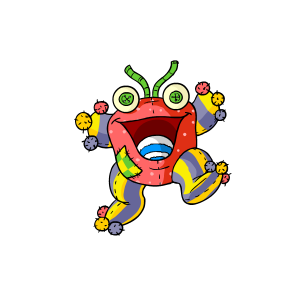
If you’re looking to buy Neopets or buy pet styles in Neopia, you’re in the right place! Neopets has a rich and immersive world that allows players to customize their virtual pets with various colors, outfits, accessories, and more. Whether you’re looking to buy a Neopet for your collection or buy pet styles to enhance your pet’s appearance, the process is straightforward and can be done safely through in-game channels. Let’s dive into how you can do both and what options are available.
How to Buy Neopets
In the world of Neopets, pets are the heart of the game, and each one is unique with its own set of attributes, colors, and styles. While you can’t “buy” a pet directly with real money, there are several ways to obtain a pet for your collection through in-game mechanics, such as adopting, customizing, or even transforming your pets into new species.
1. Adopt a Neopet
The most common way to buy a Neopet (or adopt one, more accurately) is by visiting the Adoption Centre. Here, you’ll find a variety of pets available for adoption.
Steps to Adopt a Neopet:
- Go to the Adoption Centre: You can find the Adoption Centre under the Pets menu in the navigation bar.
- Browse Available Pets: The centre displays pets of various species and colors, including some rare ones.
- Choose a Pet: Select the pet that suits your preferences, and click on the “Adopt Me!” button.
- Naming Your Pet: Once you adopt your pet, you’ll be prompted to name it and start customizing it.
Adopting a pet is free, but certain species and colors may be harder to find. Some pets may require Petpets or Petpetpet items to unlock or customize.
2. Purchase a Pet Through the Petpet Shop
While you can’t directly buy a pet with real money, Petpetpets (a smaller pet item) and Petpets can be purchased using Neopoints (NP), and they can be attached to your pets to enhance their appearance. In some cases, pets from specific events or promotions may be available for purchase.
3. Use a Pet Transfer Service
For players looking to buy Neopets that already belong to other users, the Pet Transfer Service allows players to exchange pets. While this doesn’t involve real-money transactions, it allows for the exchange of pets through a player-to-player system, where Neopoints or other items might be offered in exchange for the pet.
How to Buy Pet Styles
Pet styles in Neopets refer to the various customizations available for your pets, including clothing, accessories, and even unique colors. These styles are key to making your pet stand out and can be bought using Neocash (NC) or Neopoints.
1. Buy Pet Styles in the NC Mall
The Neocash Mall (NC Mall) is where you can buy premium items for your pets, including exclusive pet styles like clothing, backgrounds, and other accessories that are not available through the standard in-game shops.
How to Buy Pet Styles with Neocash:
- Log into your Neopets account: Make sure you’re logged into Neopets.
- Go to the NC Mall: You can find it by clicking on the NC Mall link at the top of the page.
- Buy Neocash: Purchase Neocash using real money (via credit card, PayPal, or Neocash cards).
- Browse Pet Styles: Once you have Neocash, you can browse through a wide range of items for your pet, from stylish outfits to unique accessories.
- Apply Pet Styles: After purchasing a pet style, you can apply it directly to your pet through your pet’s wardrobe.
2. Buy Pet Styles from Other Players
Another way to buy pet styles is through user shops and the Auction House. Players often sell pet clothing, accessories, and rare items that may be used for customization.
Steps to Buy Pet Styles from Other Players:
- Search the Shop Wizard: The Shop Wizard lets you find shops selling pet items, including styles and accessories.
- Visit User Shops: Go to shops that sell items for pets, especially those that specialize in clothing and accessories.
- Check the Auction House: If you’re looking for rare or discontinued pet styles, the Auction House is a great place to bid on unique items that other players are selling.
3. Pet Customization and Color Change
Changing the color of your pet is a significant part of buying pet styles. Through the Rainbow Pool and Kacheek Island, you can change your pet’s color, which is considered a major form of customization.
Using the Rainbow Pool:
- If you have a special color change item (like a Paint Brush), you can use it at the Rainbow Pool to change your pet’s color to something unique (e.g., Faerie, Baby, and more).
- Paint Brushes can be bought using Neopoints or Neocash, and they are essential for customizing your pet’s look.
Kacheek Island:
- This is another place where you can change your pet’s appearance and get more exclusive colors.
- Some color changes might require specific items to complete.
Safety Tips When Buying Neopets or Pet Styles
While Neopets offers many official and secure ways to buy Neopets or buy pet styles, there are always potential risks involved with any transaction. Here are some tips to ensure your purchases are safe:
1. Stick to Official Neopets Platforms
Always use the Neopets official website when purchasing items, especially when using Neocash or Neopoints. This minimizes the risk of scams or compromised accounts.
2. Secure Payment Methods
If you’re buying Neocash or pet styles using real money, use PayPal or a secure credit card to ensure your payment details are protected.
3. Protect Your Account
Never share your Neopets account information with anyone, even if they offer to sell you exclusive pets or items. Legitimate sellers will never ask for your login credentials.
Conclusion: Buying Neopets and Pet Styles
In summary, you can buy Neopets through the Adoption Centre or via pet transfers, while you can buy pet styles through the NC Mall, user shops, or by using special color change items. Both experiences allow you to create a unique pet and show off your style in Neopia.
Whether you’re looking to adopt a new Neopet or want to make your current pet shine with a brand-new look, Neopets offers plenty of options for customization and collection. By sticking to safe and official channels, you can enjoy the experience of buying Neopets and their pet styles without worry.
Frequently Asked Questions (FAQs)
- Can I buy a Neopet with real money? No, Neopets can’t be bought directly with real money. However, you can adopt pets for free or use Neocash to change your pet’s appearance.
- What are Neocash items for pets? Neocash items are exclusive accessories, clothing, and other customization options for your pets, only available in the NC Mall.
- How can I change my pet’s color? You can change your pet’s color using items like Paint Brushes available in the Rainbow Pool or by using special color-changing items from various in-game sources.
- Are third-party sites safe for buying Neopets items? It’s risky to buy from third-party sites as they may not be legitimate. Always stick to official Neopets platforms for security.
- How do I buy Pet Styles? You can buy Pet Styles through the NC Mall or by purchasing items from other players’ shops or the Auction House.
Purchasing Uncoverted Pets, or UCs, off-site is becoming more and more relevant by the day. As the team behind Neopets.com succumb to mismanagement, particularly when it comes to responding to tickets regarding frozen accounts, users are becoming increasingly frustrated at how difficult it can be to recover both old and current accounts and pets. This, paired with the low circulation of particular Unconverted neopets species, makes looking to off-site sales a welcome change as sites like ours can offer instant gratification by delivering you the pet of your dreams! This guide will take you through all of the steps that you’ll need to identify UCs and choose the one(s) you’d like, maintain a safe and legitimate account, and present your new pet to the neoboards without arousing suspicion. Remember: these are tips, and while there is no surefire way to guarantee the complete safety of a purchased pet, following this guide should ensure that you have no issues.

WHAT IS A UC? WHY ARE THEY RARE?
On 26 April 2007, Neopets released pet wearables, meaning users would be able to dress their pets up in clothes and trinkets for the first time. Before this, all pets had individual looks, poses, clothes, etc. that they were assigned when they were created or painted, and these could not be changed. For example:
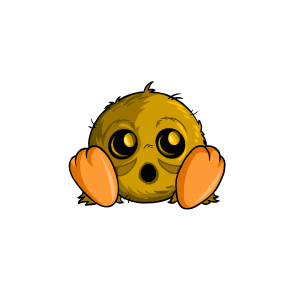
 This Orange Aisha’s collar could not be removed.
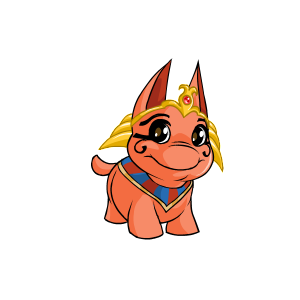
It also looks much different than this Royalgirl Aisha,
which is standing on two feet:
These original pets, sometimes called “old pets” but generally referred to as “unconverted pets,” needed to be changed in order to for the new wearable items to fit. If a user decided they wanted to dress their pet up, the pet would be “converted” to the new look:
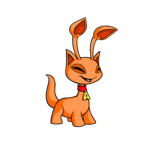 The Orange Aisha and the Royalgirl Aisha look very similar after being converted.
They can now wear the same clothes.
Most users converted their pets so they could partake in the new wearables trend. Those that decided not convert their pets, by manually selecting so, were able to keep their old pets, which were now considered UCs.
Immediately following the mass conversion, users all over the site began to realize that the quality of the art of converted pets was nowhere near as high as that of UC pets. Legions of users regretted converted their pets — but it was too late! — and continue to this day to seek UC versions of their favorite pets, which have nostalgic and artistic qualities to them. Still, because the conversion was so widespread, finding and obtaining certain UCs (and UCs with nice name formats, at that) can be very difficult. Pets that were hard to obtain before conversion, such as Draiks, and Royal and Plushie pets, are among some of the rarest pets on the site to find unconverted.
Because it can take years and years of training, trading, and making pet applications, many users are now turning towards off-site vendors to grab hold of those adorable UC pets that they should have never let go. And we don’t blame them!
CHOOSING YOUR UC
It’s important to understand the rarity of the UC you are considering purchasing before making a final decision. Risk and suspicion are essential when keeping in mind how your new pet will be accepted by the Neopian public. If you are not active in a guild or on the neoboards, then this is perhaps not a huge issue for you. If you are, keeping reading as we have many tips to keep you looking legit and trustworthy!
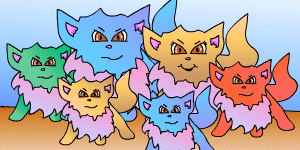 ♫ How much is that Wocky in the window? ♫
Before you can get started on this journey, you need to decide which Neopet you’re interested in buying! For some, this will be an easy decision. Do you have nostalgic attachment to one particular pet, or even a species? Is there one color that really speaks to you? Are you in a guild dedicated to Sponge Lupes, and you want to fit in? Whatever your personal reason is, knowing what you want makes the job easy!
Available pets
Keep in mind that not any and all pet is available in its old version; only certain pets were grandfathered into the site after the conversion. Here are the available UC pets organized by their general rarity, beginning with the lowest:
 Mutant Buzz — Mutant Jetsam — Mutant Lupe — Mutant Meerca — Mutant Usul — Halloween Lupe — Sponge Grundo
Desert Poogle — Darigan Mynci — Mutant Scorchio — Coconut Jubjub — Darigan Uni — Darigan Shoyru
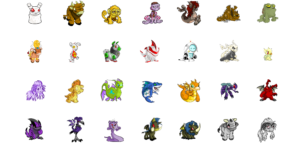 Marshmallow Grundo — Tyrannian Kau — Tyrannian Mynci — Tyrannian Nimmo — Tyrannian Peophin — Tyrannian Skeith — Tyrannian Quiggle
Desert Kau — Robot Blumaroo — Robot Gnorbu — Robot Jetsam — Robot Kacheek — Halloween Zafara — Baby Eyrie
Sponge Koi — Sponge Moehog — Maraquan Chomby — Maraquan Grarrl — Maraquan Scorchio — Darigan Buzz — Darigan Grundo
Darigan Jetsam — Darigan Lenny — Darigan Meerca — Darigan Moehog — Darigan Tonu — Grey Kau — Grey Koi
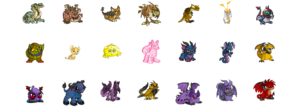
Mutant Hissi — Mutant Skeith — Tyrannian Bori — Tyrannian Lenny — Tyrannian Techo — Desert Aisha — Robot Pteri
Halloween Wocky — Baby Kougra — Sponge Kiko — Sponge Lupe — Darigan Acara — Darigan Blumaroo — Darigan Grarrl
Darigan Jubjub — Darigan Kau — Darigan Lupe — Darigan Pteri — Darigan Skeith — Darigan Usul — Darigan Zafara
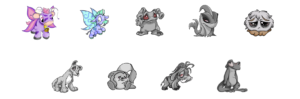 Faerie Kau — Faerie Moehog — Grey Grundo — Grey Jetsam — Grey Jubjub
Grey Lupe — Grey Meerca — Grey Moehog — Grey Techo
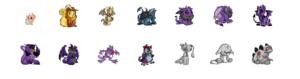
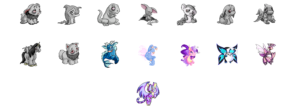
Baby Skeith —Usukiboy Usul — Tyrannian Blumaroo — Darigan Bori — Darigan Cybunny — Darigan Eyrie — Darigan Kougra — Darigan Peophin — Darigan Scorchio — Darigan Techo — Darigan Bruce — Grey Aisha — Grey Kacheek — Grey Chomby — Grey Cybunny — Grey Flotsam — Grey Grarrl — Grey Korbat — Grey Mynci — Grey Poogle — Grey Shoyru — Grey Uni — Grey Wocky — Maraquan Kau —Faerie Blumaroo — Faerie Kyrii — Faerie Meerca — Faerie Ruki — Faerie Kougra
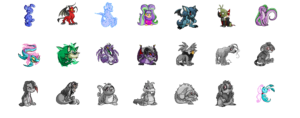
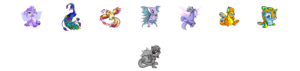 Sponge Blumaroo — Darigan Gelert — Sponge Peophin — Usukigirl Usul — Darigan Kyrii — Halloween Moehog — Maraquan Gelert
Maraquan Hissi — Maraquan Skeith — Darigan Hissi — Darigan Yurble — Grey Eyrie — Grey Gelert — Grey Kougra
Grey Kyrii — Grey Peophin — Grey Pteri — Grey Scorchio — Grey Skeith — Grey Yurble — Faerie Aisha
Faerie Ixi — Faerie Lenny — Faerie Pteri — Faerie Shoyru — Faerie Peophin — Plushie Buzz — Plushie Flotsam
Grey Zafara
 Sponge Aisha — Robot Ixi — Darigan Aisha — Darigan Ixi — Grey Acara — Grey Ixi — Faerie Xweetok
Faerie Yurble — Plushie Bruce — Ice Bruce — MSP Poogle — Faerie Wocky — Plushie Chomby
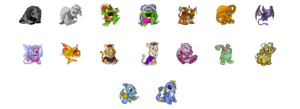 Grey Tonu — Grey Usul — Quigukiboy Quiggle — Quigukigirl Quiggle — Tyrannian Ixi — Tyrannian Krawk — Darigan Korbat
Faerie Tonu — Faerie Tuskaninny — Royalboy Kougra — Royalgirl Kougra — Plushie Cybunny — Plushie Grundo — Plushie Kau
Plushie Shoyru — Plushie Zafara
 Darigan Kacheek —Faerie Grarrl — Darigan Wocky — Darigan Krawk — Tyrannian Draik — Royalgirl Cybunny — Royalboy Cybunny
Royalgirl Aisha — Royalgirl Mynci — Royalboy Draik — Royalgirl Draik — Plushie Jetsam — Plushie Jetsam — Plushie Kiko
Plushie Poogle — Plushie Kougra — Plushie Eyrie — Plushie Mynci — Plushie Aisha — Plushie Scorchio — Plushie Skeith
Plushie Tonu — Plushie Tuskaninny
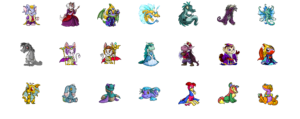
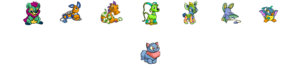
Royalboy Acara — Royalgirl Lupe — Royalboy Shoyru — Faerie Techo — Maraquan Krawk — Darigan Draik — Faerie Draik
Grey Krawk — Royalgirl Korbat — Royalboy Korbat — Royalgirl Kyrii — Royalboy Kyrii — Royalboy Mynci — Royalgirl Shoyru
Plushie Draik — Plushie Blumaroo — Plushie Hissi — Plushie Koi — Plushie Lenny — Plushie Lupe — Plushie Techo
Plushie Yurble — Plushie Bori — Plushie Krawk — Plushie Gelert — Plushie Ixi — Plushie Korbat — Plushie Pteri
Plushie Wocky
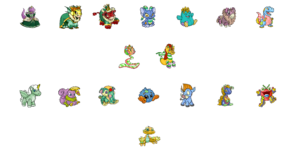
Royalgirl Grarrl — Royalgirl Kau — Royalboy Kau — Plushie Acara — Plushie Chia — Plushie Gnorbu — Plushie Grarrl
Plushie Meerca — Plushie Peophin
Plushie Uni — Plushie Usul — Plushie Elephante — Plushie Jubjub — Plushie Moehog — Plushie Kyrii — Plushie Quiggle
Plushie Nimmo
As you can see, it’s not a bad lot to pick from! But do remember, before getting your hopes up, that it’s not every old pet.
Pet rarity and what it means to your account
It’s also important to consider how rare the pet is that you’re interested in purchasing. There are many UC value guides available through the kind folks at the Pound Chat neoboard, generally organized in tiers of rarity, much like we have above. (Note that this is not a UC rarity guide and the rarity of pets within and between tiers is subject to change!)
If you do not have an established, legitimate, or decently-aged account, purchasing a high-rarity UC pet will not be safe for your account. The same goes for those users that are new to trading or owning higher-tier converted pets. It may be wiser for you to purchase a low-to-mid-tier UC pet and attempt to trade up to your goal.
If you do have an established account, directly purchasing your UC goal is certainly ideal. While it may cost more money to do so (depending on your UC goal), there are tons of benefits of doing this. Firstly, you have complete control over the name of the pet you’re receiving. Attempting to trade up through the tiers may bring to light that there are very few of your UC goal available in the trading pool, and there may not be a pet with a name format that you like! Purchasing your UC goal directly means that you have complete power over the format of the name and know what to expect. For users that are deep into pet trading and collecting, this is extremely important. Secondly, purchasing your goal directly minimizes the amount of scrutiny that will be paid to your account, other pets, etc. You won’t need to go onto trading boards, therefore other users won’t so curious to confirm your legitimacy.
That said, let’s talk more about what sort of account you will want in order to own UC pets in the first place, and then come back around to the question of which UC pet — and which rarity — is best suited for your account.
LEGITIMIZING YOUR ACCOUNT
The single most important aspect of the entire UC purchasing process is making sure that your accounts are established and legitimate. It doesn’t matter how careful you are or how few people you talk to: if you have a Newbie account or a shell account, you are at major risk regarding your purchased UC pet. End of story. You need to take important steps to ensure your account is or appears to be legitimate. Let’s talk about how you can do that.

Main account
Your main account is the most important account in regards to UC purchasing, and it should be the account that gets the most attention. If you are already an avid or established player, many of these tips won’t be immediately useful to you, but do take the time to read them over in case there is anything you could do with your accounts to beef them up even more. Remember: the rarer the pet you are purchasing, the more legitimate your account should be.
First and foremost, you want to take all of the steps one would take to transform a Newbie or shell account into what appears to be an active account. Consider the following:
- Use some form of CSS/HTML coding on your lookup. You don’t need anything big and flashy, or anything personalized; find layout coding that you may use with permission to make your main account look cleaner. While it’s easy to smack on a Sunnyneo layout, try and find something as tasteful as possible to show that you didn’t rush through setting up your account; that would look suspicious. You can look at other userlookups (proceed with caution), find credit for their layouts, and browse those sites, for example. You can also go to the Art Chat and ask users for their favorite coding sites. The point is that you should do something so your account is not completely bare. While you’re at, write even the smallest bit about yourself, your account, your pets, your goals, or whatever you’d like. The more time you spend customizing your userlookup’s layout, the more legitimate your account will look/be.
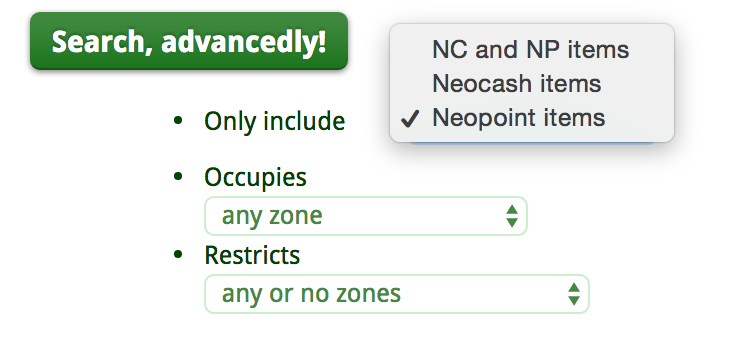
- Customize and care for your pets. If your pets are fed and happy, given petpets, and they are customized beyond a basic background, the more effort will appear to have been given to your pets. Remember that time = legitimacy, so the more time you put into your account, the more legitimate it will appear to others! I understand that you may not be highly invested in customizing, and you may not want to invest in Neocash. (Note, though, that spending just a few minutes at the Money Tree a few times a day during busy hours can lead to you being able to pick up a few donated NC wearables.) That’s okay! There are a plethora of Neopoint wearables that you can use to dress up your pets. To find these items, use the “Advanced settings” option on Dress to Impress and choose “neopoint only,” and then search.
- Give your pets lookup coding, too! It’s the least you can do them, right? Take similar steps as you did when finding and establishing your userlookup coding, but find and apply petlookup coding. The more you match and customize petlookup coding to each of your pets, the better it will make your account look. It’s a good idea to add a couple of basic goals and perhaps a character description, if you’re able to, to make it appear that you are very dedicated to your pets and their progress on the site. You don’t need to cross into petpage territory, but if you feel the desire to or you want to give your account an even stronger boost of legitimacy, go for it!
- Flesh out your avatars, stamps, and Neodeck cards/TCGs. Investing in your account is essential in making it appear established and legitimate. You absolutely must take this step, even at its bare minimum, to ensure that your account is worth working with. We recommend a very minimum of 200 avatars, and would encourage upwards of 230-250 depending on how rare the pet is that you are purchasing. In regards to stamps and Neodeck cards, just remember that the more you invest into your account, the more established it appears to be. Even 50 stamps and cards each, which does not amount to very much pure spent, shows effort.
- Any extra petpages will help you: fonts, screenies, wishlists, NC tradelists, etc. Any extra petpage you make, particularly goals pages, will help further legitimize your account.
PURCHASING AND OBTAINING YOUR PET
This is the exciting part! Whether you decide to legitimize your account before or after you purchase (either is fine as long as you allow the caches to update with legitimized information), there are a few things to keep in mind when purchasing.
What is a cache?
Obtaining your UC and legitimizing your account are the two major steps of the pet-buying process, but all of this will be for nought if you do not do it well. The major way that someone can detect whether your UC and whether your account is legitimate is to look up caches of information on you. A cache is a web page that shows some point in recent history of a certain URL. If someone looks up a cache of your userlookup, they might be able to see your userlookup before you made recent changes to it. The same goes for petlookups. Someone might search a petlookup URL in a cache search engine to be able to see who the previous owner of the pet was, if you recently obtained the pet. Caches tend to update every 5-25 days, depending on the page. Some pages have no cache at all! This is why it is important for you to monitor your own caches before debuting your pet and/or your account to the Neo public. You can periodically check caches for yourself, your pet, etc. so you will know when cache history displays your legitimatized details. You should only attempt to play, trade, etc. when your caches have updated, so have patience! We recommend using the time after you have purchased and received your pet to work on your accounts.
How to move the pet around
First thing’s first: do not have a purchased pet sent directly to your main account. Remember: you need the cache of your new pet’s petlookup to update and show you as the owner. If the cache shows your new pet’s petlookup in which the old owner can be seen, other users can check out that account and come to the realization that your pet was purchased. You do not want this! The entire purchasing, obtaining, and cache updating process should be very private.
For this reason, we recommend that you have a purchased UC pet sent to an unassociated side account. If your new pet is sent to a known/linked side account of yours, someone might notice it before the cache updates. Again, that is something you want to avoid. Your best options are to either have the pet delivered on a shell account, or you can purchase a shell account and have the pet delivered to that shell account. The shell/unlinked side should be made to look relatively legitimate. We just talked about this process! Take no risks, else you’re wasting your own time, money, and potentially your main account.
Once the cache has updated to show the UC pet as being on a ‘legitimate’ account (the shell that you just beefed up), you can transfer the pet to your main account/linked side account. The reason you want to legitimize the shell account that your new UC pet is on is that the pet will appear (in the cache) as if it has come from a legitimate place if another user decides to check the cache history of your pet. Still, it is highly recommended that you lay low during the entire process. This means that you should be playing less overall: post less on the boards or in your guild, trade less NC, etc. It is ideal that no one should want to look up the cache history of your new UC, but if they do, it is ideal that the cache history updated to show your main account/linked side account as the recent history of the pet. So, to reiterate, the cache will need to update twice: once to show the UC pet on a legitimate-looking shell/unlinked side, and once to show the UC pet on your main account/linked side. You will only transfer the pet to your main account/linked side once the first cache has updated.
The risk of an inaccurate or fishy cache history is that someone will report your pet or your account. I cannot emphasize enough how much you do not want this to happen. Users, especially those deep into pet trading, are often interested to know the history of a pet while also wanting to keep their own accounts safe, so it is not uncommon for people to check caches of UC pets, especially if they have not see this particular UC pet before. For this reason, you need your caches to be accurate and legitimate. It might be hard to be patient, waiting for two separate cache histories to update, but this is necessary. To encourage Google to come and take a new screenshot of your pet’s lookup, your userlookup, etc., make a few small updates to those pages once you’ve obtained your UC pet; Google will be alerted that the pages have been updated and therefore the caches need to be updated.
PRESENTING YOUR PET TO THE PUBLIC
Ensuring that you obtain your pet in the most legitimate manner possible is certainly the biggest hurdle, but there are several precautions that should be made even after successfully transferring your new UC to your main account and allowing the cache to update.
If you are active in the community, part of a guild, have friends, etc., they will have questions. Here’s some things to keep in mind after bringing your pet home and beginning to make them part of your Neo family:
- Make your pet look right at home. Take care of your pet immediately by customizing it, giving it a petpet, putting together some customizable petlookup coding, etc. Creating or having a petpage ready is also a great idea because it will make your pet look as though it had been long-planned, and you can use the petpage as evidence towards how exactly you obtained the pet. This can all be done while you’re waiting for the cache to update with the information of the pet being on your account (note that you should keep an eye on your new pet’s pagepage cache, as well, if you decide to use it). Either way, assimilate the pet into your account.
- Do not create fanfare. The last thing you want to do is draw a ton of attention to the fact you (suddenly) have a new UC pet. It’s okay to be excited — you should be! But keep the shouting from the rootftops to a polite minimum, at least until people are used to the idea that you have a new pet. Your new pet doesn’t need to be your active all the time.
- Prepare an explanation as to how you received this pet. This will be the question you are asked most by those close to you or who know your account well. Were you chosen to adopt from a UFQA PC board? Did you submit a neomail application for it? Was it a gift from a friend? Make sure that your story is believable and that someone won’t be able to prove that you’re lying, and the more evidence you can provide, the better. When someone asks, you can give them a very basic explanation and only elaborate further if they seem dissatisfied with what you’ve said; this likely won’t happen, but in the off chance that it does, make sure you have your story prepared and that you stick to the same one (the exact same details) every time.
NOTE: Do not say that you found the pet in the pound. Some skillful users are able to track pound_release and you could be easily found out. It’s not worth the risk.

Potential stories/explanations
If you are an active player, it is very likely that you will need to explain to at least one other user how you have come about this new UC pet, especially if: 1) your account is young/inexperienced, or 2) the pet is mid-to-high tier in rarity. Your explanation will be very dependent on your account, the type of player you are, and the communities you interact with, so we cannot give you a catch-all “perfect” story to sell others. That being said, these are some potential means of explaining the origin of your pet, and one might be right for you.
- If you are dealing with lower/mid-tier pets, you may be able to stage the pet being traded to you publicly. This would entail you purchasing the UC pet, having it sent to a legitimized shell account, allowing the cache to update, and then going on the boards on the shell and posting a board that you would like to trade the pet. You can then trade the pet to yourself publicly/via neomail, and you have evidence (the UFT board) proving that you obtained the pet this way, which looks very legitimate. This will require that you did a good job making the shell look like an established account.
- You can do the same thing but with an application: stage the pet being adopted out to you via a neomail or petpage application (petpage would work if you already have a project page for the UC pet you are interested in, for example). You will have to do more work on both ends, but this is a decent option.
- Say that you are fostering the pet while someone goes on hiatus. This is a good option because it does not require that you have an elite account; you only need to be able believable as a people person or someone with a lot of friends onsite. It’s not necessary to mention how long you will be holding on to the pet for, either. Afterwards, you can consider self-freezing the shell that the UC pet came from, and then you would be able to claim that you are now out of touch with the pet’s original owner. Now, it’s your pet!
- If you’re good at creating ‘fake friends’ like in the explanation above, you can go an extra step and say that you had a friend quit and gift you their UC. This is a little different than saying your friend is letting you foster your pet. For starts, this person would need to be quite good friends with you to give you a UC, especially if the UC is mid-to-high tier, whereas someone doesn’t necessarily need to be a very good friend of yours just to lend you their pet for a little while. If you’re already part of an active community, like a guild, it might be more difficult to explain that you have a very good friend outside of that community that they have never heard of. If you’re not deep into a guild, then this won’t be so much of a problem.
NOTE: Being ‘gifted’ a pet around your birthday or the holidays is a good idea! - One of the simplest stories is to say you traded for the pet, and link people to a frozen pet when they want to know which pet you traded. This will only work if people you’re close to believe that you had UC fodder and that you trade pets enough that they are not always up-to-date on which UCs you currently own for trading purposes. For people that don’t know you well, or people on the boards that are asking for the history of your UC pet, you can simply say that you traded for it. If they ask you to mail them the name of the pet you traded for your new UC, mention the name of a UC you know is frozen. You should feign surprise if/when they mention that pet is frozen, but don’t drag on about it.
Again, there is no right or wrong answer here because this is a very user-specific step. The point is that you should remember that you will very likely need to explain your UC to at least one other user, and you want to make sure you have a believable, consistent explanation.

SUMMARY
Let’s go over everything we have mentioned here. You can use this as a sort of checklist when purchasing your new UC, but make sure you read the entirety of this guide to ensure that you’re acting with the most caution.
- Choose your pet! Consider your account, your community, and the rarity of the pet you’re interested in.
- Have a shell account that is not linked to your main account made up to look legitimate, including avatars, customized pets, lookup coding, etc.
- Purchase your pet and have it transferred to the ‘legitimate’ shell account.
- Lay low and allow the cache of your pet to update, showing the legitimate shell as the owner of the pet. This could take upwards of three weeks.
- Transfer the pet to your main account or side account and wait again for the cache to update, so all cached history of the pet shows you as the owner. Make your new pet feel at home during this time.
- Have an explanation ready when other users ask how you obtained the pet.
- Have fun!
Notes
Here are a few final pointers:
- Consider doing most of your transferring at the beginning of the month. This is when most of the site’s pet transfers take place, as the first of the month is when new transfers are available to users.
- Be nice to people. Even if someone is being rude to you on the boards, a friend is acting suspicious, etc., bad blood with other users can create suspicion out of distaste, and you do not want that. Be kind and avoid drama.
- Don’t find any reason to be reported to draw attention to your account. This does not mean you will be found out if you are reported, but better safe than sorry.
- Don’t buy too many UCs in a short period of time. This advice very much depends on the player, how experienced they are, how much trading fodder they have, how many UCs they already own, etc. But the point is that you do not want to come into too many VWN dream wishes too quickly, else you might create suspicion.
- Last but not least: use common sense. This process is relatively simple, but it takes effort and patience. When legitimizing your account, do a good job; don’t skimp on the avatar count, the stamps, the lookup coding. When waiting for the cache to update, don’t draw attention to your accounts, and do not let impatience get the best of you and transfer the pet around before the caches have updated. Lay low and be sensible. Have a good explanation prepared. If you were another user looking at your account, would you be suspicious? Why? If an aspect of the process is not sitting well with you, re-evaluate what you’re doing and plan accordingly. Don’t rush it.
Author: Sarah